Forum Discussion

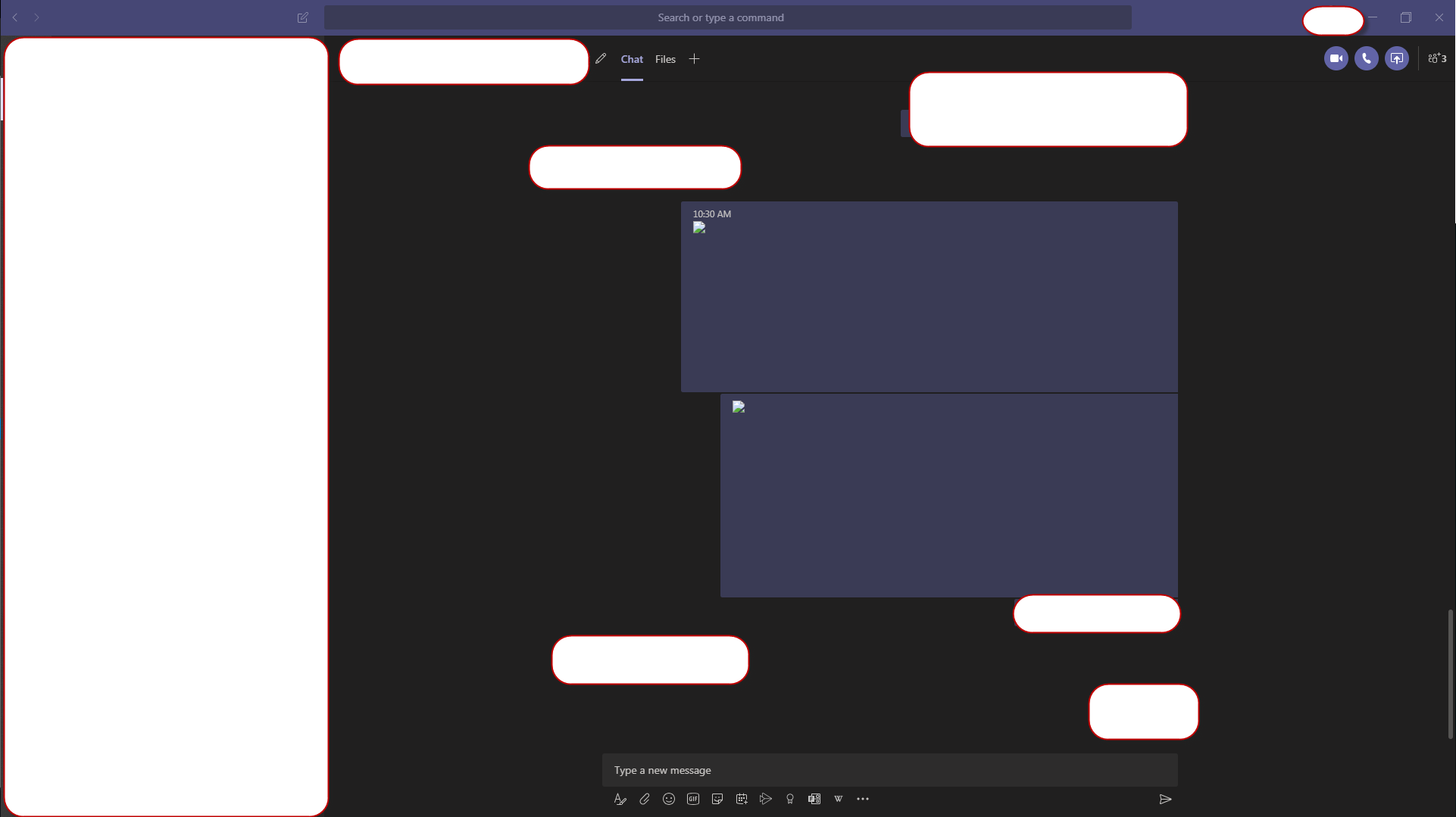
image not visible in chat
- Jul 16, 2020
Tarun1330 , just found a fix at
"Not sure if this answers the original issue but I had a broken image icon when looking back at old conversations. The following did the trick:
Exit out of Teams Desktop app. Clear this folder %AppData%\Microsoft\Teams\Cache. Relaunch Teams and the images now show."
This solved it for me but it will happen again,
Does anyone have a permanent way of addressing this issue? Will Microsoft handle this on the product side or is there any configuration we can make on Teams (client or admin center)?
Thanks
Miguel

Tarun1330 , just found a fix at
"Not sure if this answers the original issue but I had a broken image icon when looking back at old conversations. The following did the trick:
Exit out of Teams Desktop app. Clear this folder %AppData%\Microsoft\Teams\Cache. Relaunch Teams and the images now show."
This solved it for me but it will happen again,
Does anyone have a permanent way of addressing this issue? Will Microsoft handle this on the product side or is there any configuration we can make on Teams (client or admin center)?
Thanks
Miguel

Thank you Miguel. That is a good solution. Just did not have time to explore where the Cache is stored. Thank you for proving me the path. However, the other option that worked for me was to quit/log out of MS teams and log back in. Simply closing the teams using 'X' does not logs you out or quit teams. One has to explicitly log out/Quit teams.