Forum Discussion

DeviousMalcontent
Nov 07, 2024Brass Contributor
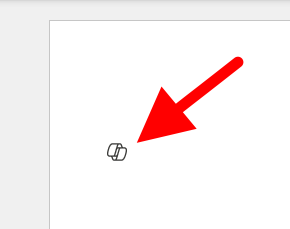
I want to turn off or hide the draft with copilot dingbat that follows my cursor around in MS Word.
I have seen a few articles on this website, and I know it's not possible but I'm going to ask anyway. For reference this is what I'm referring to: It's more I find the little thing following me...
 Jan 17, 2025
Found it, and unchecking the box worked. From inside of Word, File-->Options-->Copilot.

LiquidSebbey
Dec 09, 2025Copper Contributor
Stopped the Outlook (classic) application, Logged into Outlook.com using webbrowser as the user and clicked CoPilot settings on the right on the Ribbon and turned it off. Restarted Outlook application. Message disappeared.
 Frankie-G206Jul 27, 2026Copper Contributor
Thank you!
 satinswanJul 15, 2026Copper Contributor
Thanks for this tip! That "draft with Copilot" prompt in the email body was exceedingly distracting.