Forum Discussion

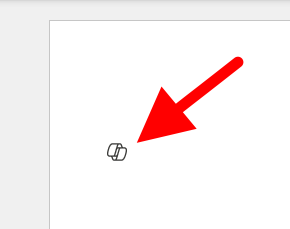
I want to turn off or hide the draft with copilot dingbat that follows my cursor around in MS Word.
 Jan 17, 2025
Found it, and unchecking the box worked. From inside of Word, File-->Options-->Copilot.

sb_geo_advisoryMicrosoft, like all other corporates cater to the lowest common denominator, so they think everyone is moronic. To add to this, if you go to the FILE menu, OPTIONS, COPILOT and the DISABLE COPILOT it should go away.

My Microsft Word 365 doesn't have COPILOT under FILE / OPTIONS, so I can't disable it - which I would very much like to do.
- cfinnieJan 18, 2025Copper Contributor
Mine doesn't either. But I use it on a Mac, and the Mac versions are often different. The funny thing is that I was on vacation for my 50th birthday when a guy in a shop in Victoria, BC told me how to get rid of Clippy (which was another extremely intrusive and annoying MS "feature" for you younger folks). It was the best birthday present I got. Now I'm almost 75 and I find myself in the same situation. I'm hoping something on this list offers the same gift.