Forum Discussion

uniopp
Mar 30, 2021Copper Contributor
Ruby text formatting
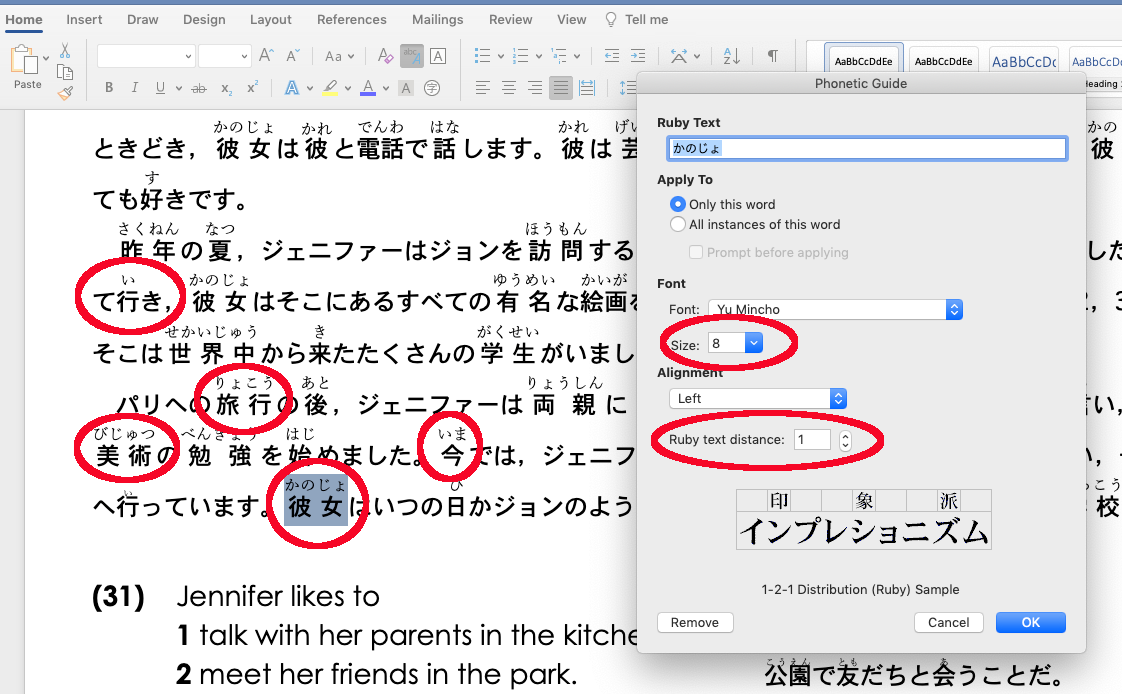
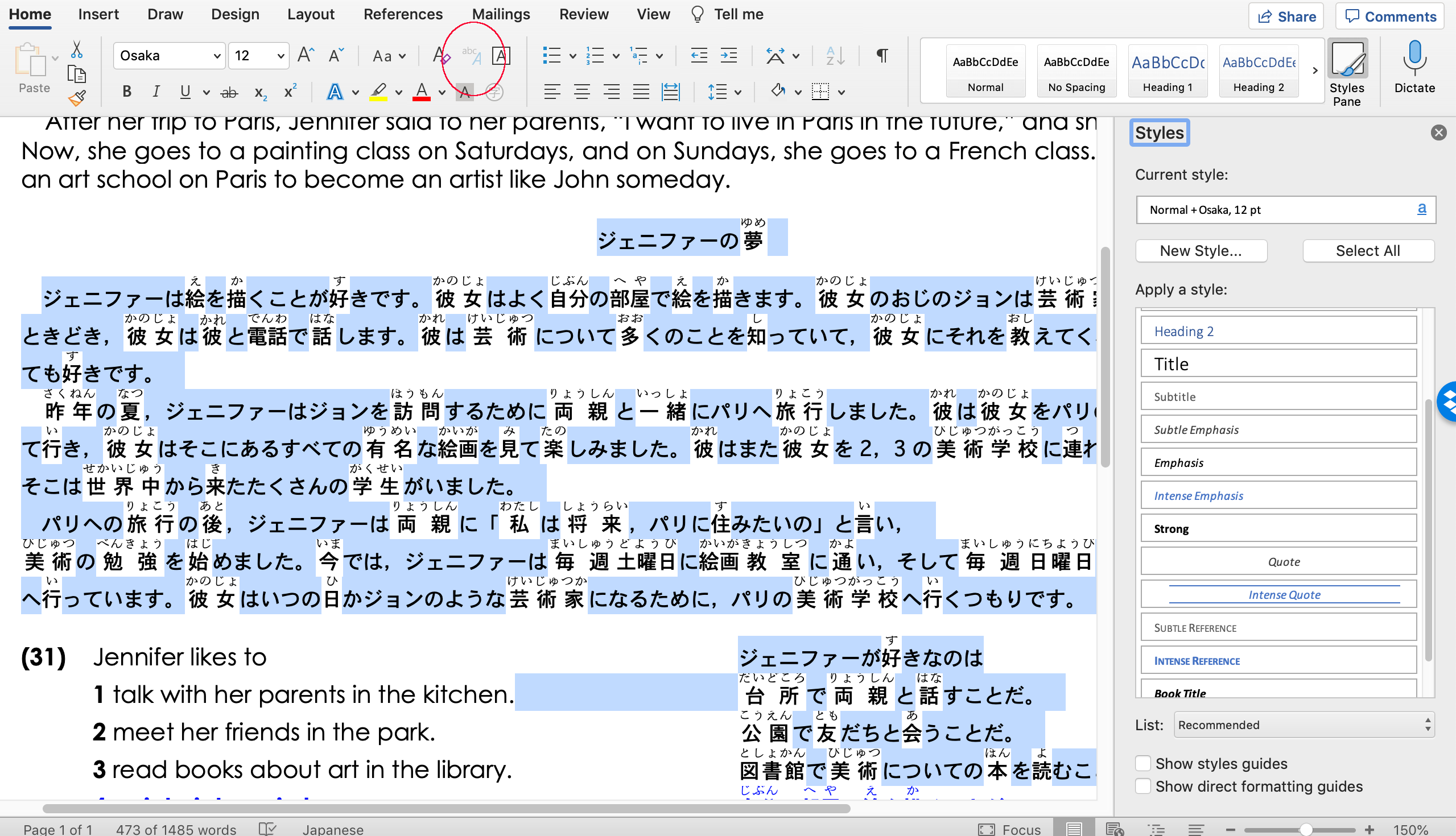
Is there any way to format ALL ruby text within one MS Word document at the same time? I currently have to select each word (Japanese character) and format every one in the document separately - it ta...

hansleroy
Mar 30, 2021Iron Contributor
Hi,
I think you are looking for a font style
Customize or create new styles - Office Support
https://support.microsoft.com/en-us/office/customize-or-create-new-styles-d38d6e47-f6fc-48eb-a607-1eb120dec563
Make sure you don't select "Paragraph" as type of style.
Kind regards
Hans
I think you are looking for a font style
Customize or create new styles - Office Support
https://support.microsoft.com/en-us/office/customize-or-create-new-styles-d38d6e47-f6fc-48eb-a607-1eb120dec563
Make sure you don't select "Paragraph" as type of style.
Kind regards
Hans

uniopp
Mar 30, 2021Copper Contributor
Are you sure that works with ruby text? Formatting regular text is easy but I need to select multiple words (in my case Japanese character) and then format the ruby text above those words. I can’t see any way to do that from within the styles settings. As far as I can see the only way to format ruby text is by using the ruby text button on the home ribbon.
Am I missing something?
Thanks
Simon
Am I missing something?
Thanks
Simon