Forum Discussion

Office ProPlus access to Group Files? Don't see my groups. Ref: April Updates for Insiders

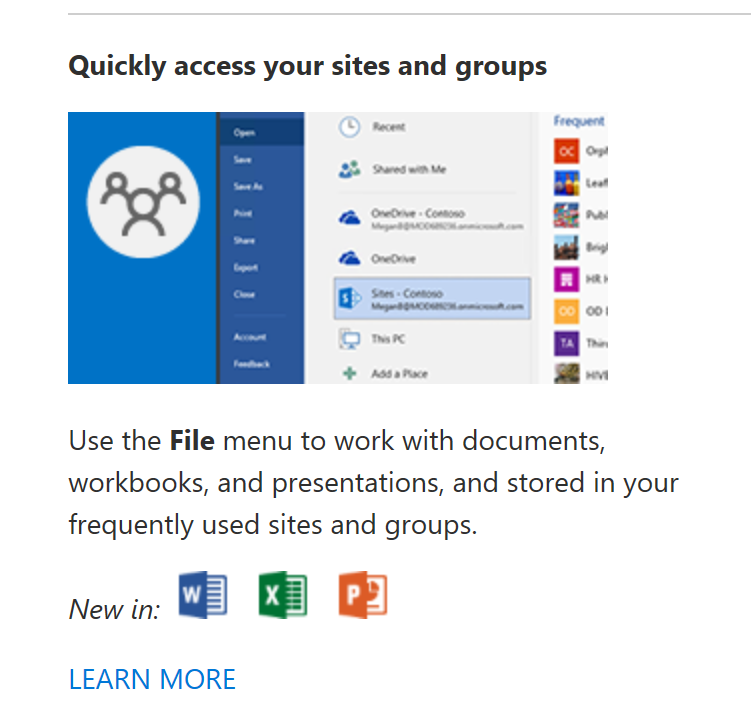
Guess what! Today I got a great Christmas present: I'm seeing Groups in my Word, Excel and PowerPoint applications!
But... unfortunately there is a small catch... I noticed it AFTER I reinstalled both of my PC's... And I changed the way I install the Office application. Normally (the previous times) I use the Office deployment tool to install the apps or I go to the Office 365 Portal.
This time I used Intune to install parts of my computer. After setting up Windows AutoPilot I did a refresh. The last step of AutoPilot is enrollment in Intune. In Intune I created an app deployment of several Windows store apps (via Business Store) and the Office applications. This worked great!
So.... at this point I can't really tell what triggered the Groups in my Office apps.... could be coincedence or Intune uses another release?
I'm now on Version 1712 (Build 8827.2082), Monthly Channel (targeted)
- Jeremy DahlJan 11, 2018Tin Contributor
I just updated to 1712 (Build 8827.2117), and while I don't have a Teams section which I would have liked to see, but I can see the the Teams sites under my Frequent sites. I think it's safe to say that installing through Intune is not a requirement (thankfully)!
I did need to open a document from in Teams before it would make the connection, but it makes sense if it's putting the link under Frequent Sites :D