Forum Discussion

Encrypt button disappearing from Outlook
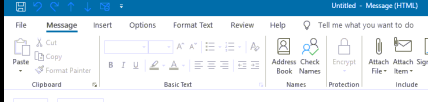

Everything is working properly now it seems. Encryption, dlp policy, encrypt button shows in OWA and desktop. I received a response from microsoft in regards to an old ticket. Some of their support people blow my mind.....So they say I need to increase my per user cost to 35 dollars for it all to work even though it's currently working fine and has been for almost two weeks now. Be warned , you ask three different Microsoft reps you may get three different answers.
Microsoft Support: "I had my senior tech personnel looked into your issue and it was discovered that your current license status of Microsoft 365 Business Standard license only enables you to have access to encryption in the Online web applications (OWA) and not desktop apps. for you to have access to the desktop IRM you will need to add an E3 or E5 license to your tenant"

rdiddy I have E3 but needed Azure Information Protection Premium license to make it work. I had E3 and couldn't make it work until I added Azure Information Protection Premium license. I use Azure Information Protection Premium P2 but P1 should work too.
- rdiddyMar 18, 2021Copper ContributorInteresting Mine works fully with business standard license , Azure information protection and Governance and protection. They have really confused the hell out of me.