Forum Discussion

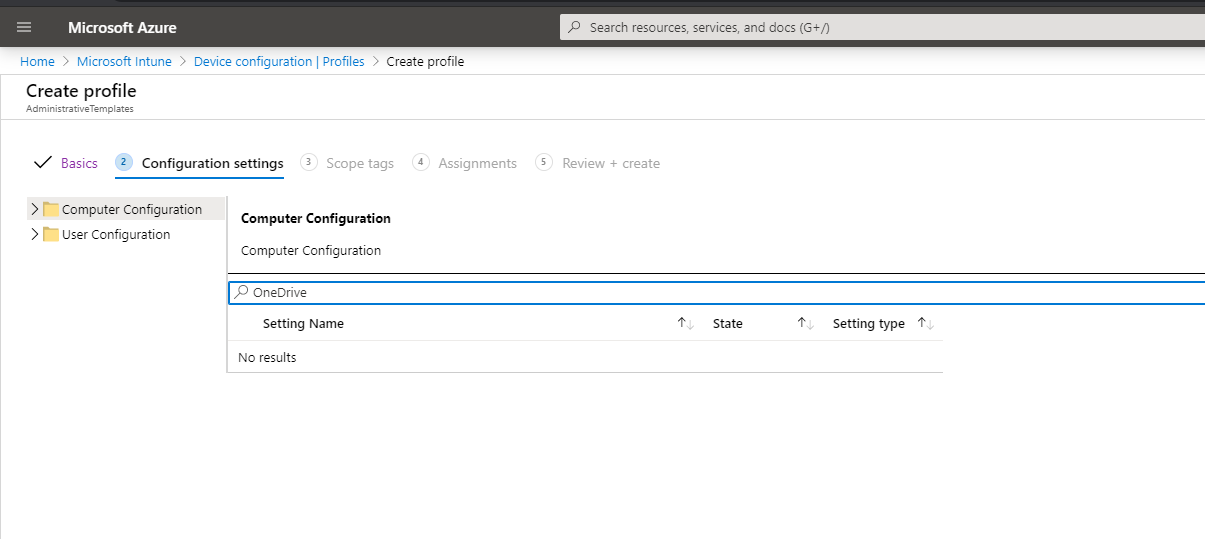
Unable to find OneDrive settings on Intune Administrative Templates

- May 18, 2020
Hey Ambarish Haridathan,
yes I totally understand, but regardless of the statement I and many others using this setting and it is working for every user flawlessly. I think you can safely use it to accomplish your goal.
Oliver

Hi,
on an Azure AD joined (AADJ) device the following policies (Intune/Administrative Templates) will exactly do what you want. Each AAD user logging on the the device will get his OneDrive silently configured:

I mentioned this setting on my previous post, but confused about the statement on that option.
This setting lets you silently sign in users to the OneDrive sync client (OneDrive.exe) with their Windows credentials. If you enable this setting, users who are signed in on the PC with the primary Windows account (the account used to join the PC to the domain) can set up the sync client without entering the credentials for the account.
My understand was that it will only enable the admin user who joined the pc to the domain, not the actual currently logged in user and so haven't enabled this setting yet.
- May 18, 2020
Hey Ambarish Haridathan,
yes I totally understand, but regardless of the statement I and many others using this setting and it is working for every user flawlessly. I think you can safely use it to accomplish your goal.
Oliver
- Ambarish HaridathanMay 18, 2020Tin Contributor
Oliver Kieselbach Thanks!
I just tested it for a user and it works as expected. For another user, unfortunately OneDrive is missing, now need to figure out how to ensure that the user has OneDrive and if not force install it. May be an intune app policy, need to check that.