Forum Discussion

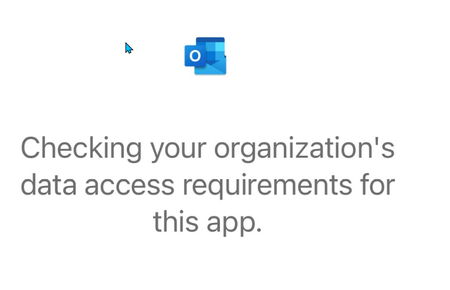
iOS Outlook app access requirement prompt
- Sep 12, 2022
This is expected when Intune is checking the Device Compliance Policies against Conditional Access rules, per the green area of the flow in this diagram:
Use app-based Conditional Access policies with Intune
The message is just there to let the user know it's being checked, in case there's a delay. If there's no issue, the device should get into Outlook shortly; if the device isn't compliant, the user may receive a message as to why they were denied access.
Please like or mark this thread as answered if it's helpful, thanks!

This is expected when Intune is checking the Device Compliance Policies against Conditional Access rules, per the green area of the flow in this diagram:
Use app-based Conditional Access policies with Intune
The message is just there to let the user know it's being checked, in case there's a delay. If there's no issue, the device should get into Outlook shortly; if the device isn't compliant, the user may receive a message as to why they were denied access.
Please like or mark this thread as answered if it's helpful, thanks!