Forum Discussion

EricStarker
Aug 10, 2017Former Employee
Deploying Office 365 ProPlus with Microsoft Intune
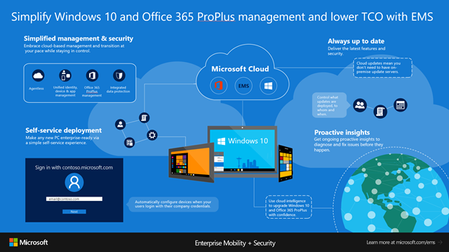
We have been hard at work with Office 365 and Windows 10 teams to create Microsoft 365, a modern workplace solution that empowers everyone to be creative and work together, securely. We are excited t...

treestryder
Oct 09, 2018Steel Contributor
We have found that this process nearly always fails, because of conflicting installations already on the machine. Even on brand new "clean" Windows 10 machines. To workaround this problem, we have been removing the typical conflicts with the following Powershell:
$Packages = 'Microsoft.Office.OneNote','Microsoft.MicrosoftOfficeHub','Microsoft.Office.Desktop' | Get-AppxPackage -ErrorAction SilentlyContinue
$Packages | Remove-AppxPackage -AllUsers
What I would prefer, is to install (or ensure that it is installed) one of those Appx packages which we are occasionally finding on new machines "Microsoft.Office.Desktop". Is this possible?
Does anyone know where I can find the "Microsoft.Office.Desktop" Appx package?
I have also asked this question here and at StackOverflow.