Forum Discussion

braedachau
Jan 24, 2021Brass Contributor
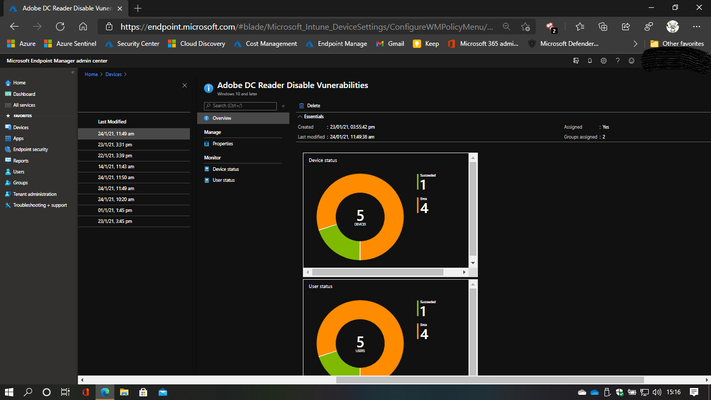
Acrobat DC Reader Vulnerabilities - Endpoint Manager - PowerShell
To whom it may concern, Please excuse me but I believe the post belongs here not in the PowerShell discussion. I deleted the post placed in the PowerShell group Background: I have a test t...
 Feb 10, 2021
Hello braedachau,
the issue is caues by the if condition, the path you try to check cannot be found because it does not exist when Adobe DC is not installed. (I believe that the registries have not been set by Adobe DC then.)
Try it with "Test-Path"
Example:
#Check path
If (Test-path -Path 'Registry::HKLM\SOFTWARE\Policies\Adobe\Acrobat Reader\DC\FeatureLockDown')
{}

travisrauh
Apr 01, 2021Copper Contributor
Wow. Thank you so much for this!!

braedachau
Apr 01, 2021Brass Contributor
Travis I just realized something that you need to know.
If you use PowerShell to manage devices, the controls will remain in place after the machine is offboarded. So if the machine is a BYOD and the client disengages from the tenant he/she will be stuck with the changes in the registry, without a clean install..
This could be a problem.
Regards