Forum Discussion

Microsoft Visio Data Visualizer add in won't load in Office 365.
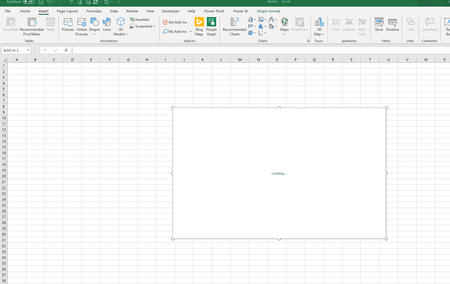

Has this been resolved? I am having the same problem and I just started using the Data Visualizer B_Van_Spanje
 B_Van_SpanjeJan 16, 2020Brass Contributor
TracyBe7588Check to see if your version of Office is the 32 bit version. Let me know if it is.
- TracyBe7588Jan 17, 2020Copper Contributor
B_Van_Spanje Where do I find Office version information?
- B_Van_SpanjeJan 17, 2020Brass Contributor
TracyBe7588The link below is pretty straight forward on how to tell whether your Office is 32 bit or 64 bit.
https://liberty.service-now.com/kb_view.do?sys_kb_id=7e56d58e358829405af1cb6de5727f5a
- DougPetroshiusJan 16, 2020Copper Contributor
My employer required the 32 bit install. perhaps I'll wait until it's out of preview? B_Van_Spanje
- B_Van_SpanjeJan 14, 2020Brass Contributor
TracyBe7588 Just wondering, is your Office 365 32 bit or 64 bit?
- TracyBe7588Jan 14, 2020Copper Contributor
Good question. I am not seeing anything specific for Office 365. My computer is new and 64bit if that makes any difference.
I do have MS office 2016 suite installed. However, I also have the 365 online account.
I am the first person in the organization to use the data visualizer tool with the plan it's associated with. So there isn't anyone I can reach out to at work.
- DougPetroshiusJan 14, 2020Copper Contributor
I also have a new computer, 64 bit, with Office365 and the latest in Visio.
- B_Van_SpanjeJan 11, 2020Brass Contributor
I have since got a new computer to replace my original 8.1 one and the Visio Add in works on that one. But it still doesn't work on my older computer which has Windows 10, but was originally a 8.0. Not sure if the age of the computer has anything to do with it.
- DougPetroshiusJan 10, 2020Copper Contributor
I'm guessing that since this is still in public preview, they'll take it into account and get it right for the final version. TracyBe7588