Forum Discussion

Use VBA to Autofill a Row until the end of the number of data in another row
 Mar 24, 2019
Hi Haytham Amairah,
I was facing similar issues and chanced upon this thread. If i have two columns (O and P) that i wish to autofill via VBA, do I amend the code from:
Selection.AutoFill Destination:=Range("O2:P313")
Range("O2:P313").Selectto:
Selection.AutoFill Destination:=Range("O2:O" & Range("E" & Rows.Count).End(xlUp).Row)
Range(Selection, Selection.End(xlDown)).Select
Selection.AutoFill Destination:=Range("P2:" & Range("E" & Rows.Count).End(xlUp).Row)
Range(Selection, Selection.End(xlDown)).Select

Replace these lines of code:
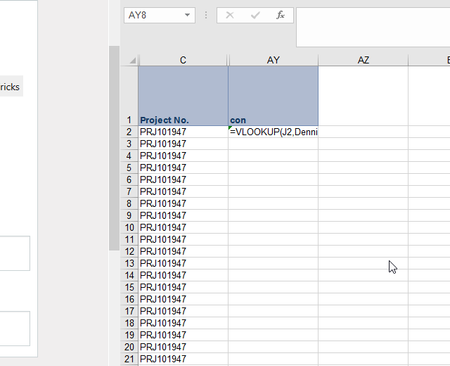
Selection.AutoFill Destination:=Range("AY2:AY1662")
Range("AY2:AY1662").Select
With this:
Selection.AutoFill Destination:=Range("AY2:AY" & Range("E" & Rows.Count).End(xlUp).Row)
Range(Selection, Selection.End(xlDown)).Select
Give it a try!
And provide me with any feedback!

Hello Haytham,
I am have a similar issue. I need the formula to fill if the columns and rows have data. Due to the rows and columns fluctuating periodically and daily. The formula will be in D7.
Thank you for your time.