Forum Discussion

Microsoft Excel 2013 - percentage completion rate using slicers

Adam-
If I understand you correct you want to see the % of complete items for a specific WP No based on the filter that you have on the data. If this is your requirement then you can use this workbook to see how to calculate the % of the filtered items Completion Rate based on a specific WP No.
The key is to use Sumproduct() and Subtotal() in conjunction. Subtotal has the ability to look at only filtered/visible rows. In my example there are two formulas:
Numerator:=SUMPRODUCT((A9:A30=$B$2)*(B9:B30="COMPLETE")*(SUBTOTAL(103,OFFSET(A9,ROW(A9:A30)-MIN(ROW(A9:A30)),0))))
Denominator: =SUMPRODUCT((A9:A30=$B$2)*(SUBTOTAL(103,OFFSET(A9,ROW(A9:A30)-MIN(ROW(A9:A30)),0))))
Then we use these two results in a simple formula: =B3/B4
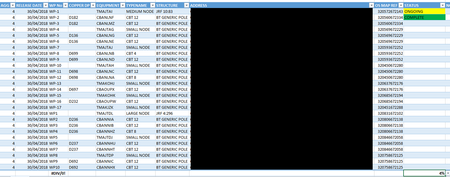
Here is an image of multiple results. Hope this helps!: