Forum Discussion

NancyMCM
Jul 25, 2022Copper Contributor
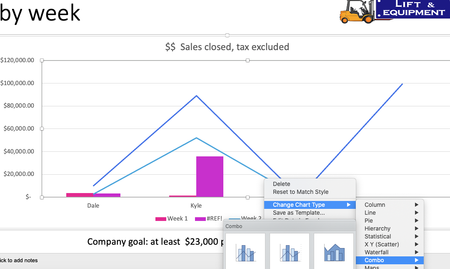
Making combo graph in Excel or PowerPoint for Mac
Hello. I have researched how to do this but I don't get the same command. I simply need to change the selection of which column of my data gets shown in the line, and which ones stay as columns in a...

Riny_van_Eekelen
Jul 25, 2022Platinum Contributor
NancyMCM The "Change Chart Type" window exists in the PC version only. In Excel for Mac, the easiest way is to create a regular column chart first. Note with the data structure like in your picture, you'd have to switch row/column to get the weeks on the horizontal axis with four columns, the fourth on being the Total.
Now, click on any of the Total columns (this will select all of them) and press change chart type, and choose the icon for a line chart. That's it.
Example: