Forum Discussion

HELP Creating A Macro...
I was able to create a macro to perform a simple function that I have to keep repeating (sorting columns within different spreadsheets). However, I can't get it to complete the function. Right now, all it does is snaps the spreadsheet to the right of the window, then Auto Fits all the cells. This is part of the macro I created but I also want it to sort the spreadsheet. Instead, it gives me the following error (see attached screenshots)...
I also created a quick video of my PC screen. The video shows what I'm trying to do and then it shows what happens when I try to use the macro and finally me creating a marcro...
https://youtu.be/n8C44zWPjdA (link will be active @ approx. 3:00 p.m. PST)...
Any help will be greatly appreciated! Thanks in advance...
Replace all occurrences of ActiveWorkbook.Worksheets("03052021_SFC_DSS_Winbacks") with ActiveSheet
That way, the macro will work regardless of the name of the active sheet.
Remove all those lines with ActiveWindow.ScrollRow = ...
They are not needed for the functioning of the macro.


5 Replies
Replace all occurrences of ActiveWorkbook.Worksheets("03052021_SFC_DSS_Winbacks") with ActiveSheet
That way, the macro will work regardless of the name of the active sheet.
Remove all those lines with ActiveWindow.ScrollRow = ...
They are not needed for the functioning of the macro.
 Nickerz_2020Brass Contributor
That absolutely WORKED!!! Thank you!!! One thing I just noticed though, is if I reopen the same spreadsheet (after closing it and not saving it) it doesn't sort correctly. See attached screenshot below (column G should all be WIRE (from rows 175-202) and column D should all be AllStops.
Now, if I open a new spreadsheet for a different day, it sorts correctly. But when I close it (not saving it at any point) and then I reopen that same spreadsheet the macro tries to sort it but there are some rows that get missed. ???
Thanks again for the fix! Just hope this will work consistently as I'm trying to delegate to someone else at work and they won't notice this inconsistency and it will be inaccurate...- Nickerz_2020Brass Contributor
...to follow up
After fooling around with it, I deleted all my macros and started over and I haven't run into the issue I described above. So I think I'm good now and I've tested this new macro I created and so far it's worked correctly and sorted everything just fine. Again, thanks for the fix Hans Vogelaar!
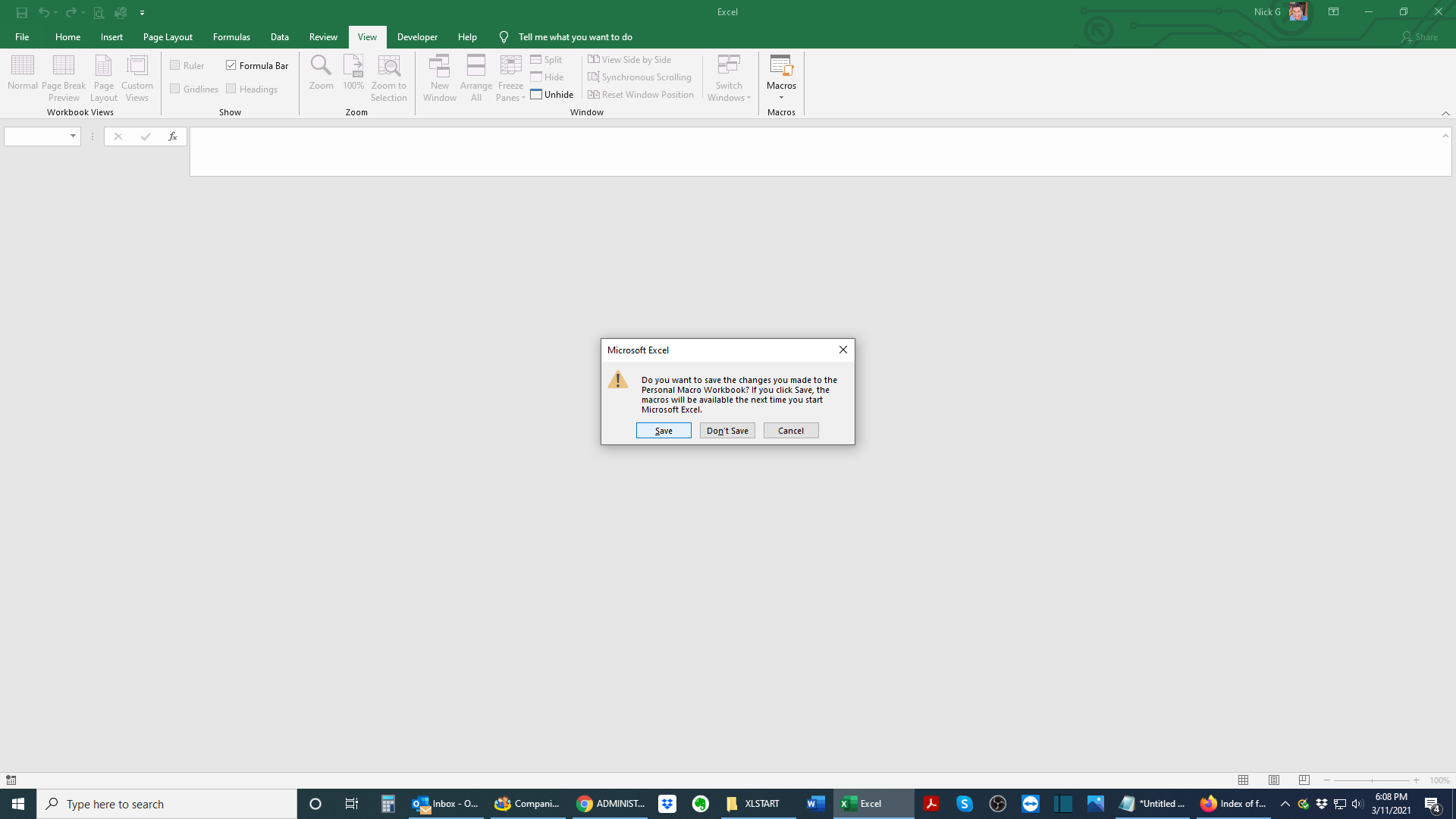
By the way, I noticed to edit a macro, you have to unhide in the view tab. But then the Personal Macro Workbook keeps popping up each time I open an Excel spreadsheet. To stop this, I had to go back and hide it again and save it. But to find where that file is wasn't where I saved the macro. It was saved here...
(see attached screenshots for the file path)...
I dunno, it works and I'm not touching it and excel works fine now when I open my normal spreadsheets. I think I got into something above my pay grade - lol! So I'm just leaving it alone now... 😃