Forum Discussion

formula not working
- Jun 18, 2022
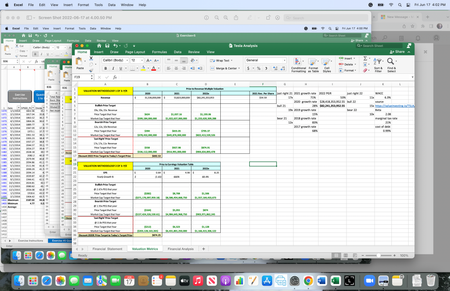
Mark_Keithley Why would you say that? The formulae are similar though very different when it comes one particular cell it references. That is cell C119. In one formula you reference it on the Financial Analysis sheet, containing 12.4%. In the other formula you reference C119 in the Valuation Metrics sheet, but you don't show the the value of that cell. I bet it contains a number close to -0.00014299004568567. So, something like -0.001429%. The formulae do exactly what you tell it to do. If the outcome is wrong you perhaps referenced the wrong cells.

I’m pretty sure that B36 should be smaller than D30 like in B17. C119 is on another sheet. Is there anyway that I can send the actual document?

Mark_Keithley Why would you say that? The formulae are similar though very different when it comes one particular cell it references. That is cell C119. In one formula you reference it on the Financial Analysis sheet, containing 12.4%. In the other formula you reference C119 in the Valuation Metrics sheet, but you don't show the the value of that cell. I bet it contains a number close to -0.00014299004568567. So, something like -0.001429%. The formulae do exactly what you tell it to do. If the outcome is wrong you perhaps referenced the wrong cells.
- Mark_KeithleyJun 20, 2022Copper Contributor
Yes, that is exactly what happened. The wrong cell was selected. I don’t know how I missed that. I should have realized that, thank you.