Forum Discussion

Outlook down?
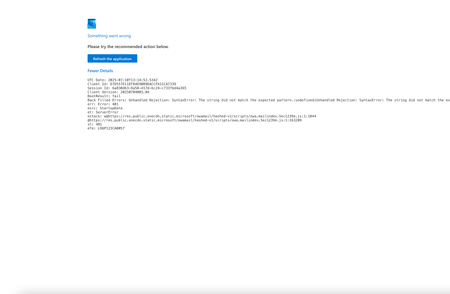

hi SnevetsE check below
Refresh the Page =This sometimes clears a transient session glitch.
Log Out and Log Back In
Clear your login session manually:
Go to: https://outlook.office.com
Sign out completely.
Clear your browser cache and cookies.
Sign in again with your credentials.
Clear Cache and Cookies
On Chrome: Settings > Privacy > Clear browsing data (check cookies and cached files).
Or use incognito/private mode and try accessing the app again.
Check Account Permissions
If this is a work or school account, your organization's IT admin might need to re-enable access or review login tokens via Microsoft Admin Center.
Test in Another Browser or Device
Try using a different browser or switch from mobile to desktop (or vice versa).
If on Mobile App, force close and reinstall the app or clear app data (iOS: uninstall/reinstall, Android: Settings > Apps > Storage > Clear Cache/Data).
 SnevetsEJul 10, 2025Copper Contributor
Hi,
Thanks for that, but none of those steps worked.
It wasn't just myself experiencing the problem - but after waiting and waiting, it has no resolved. I just seriously hope it doesn't happened again!