Forum Discussion

Send files from Blob Storage to Vendor API
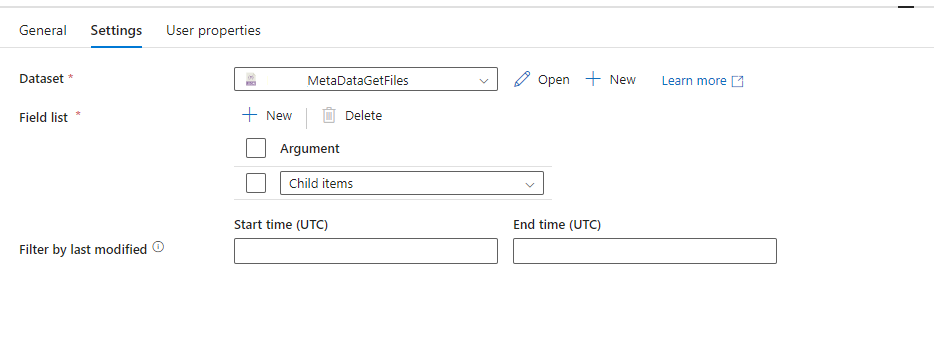
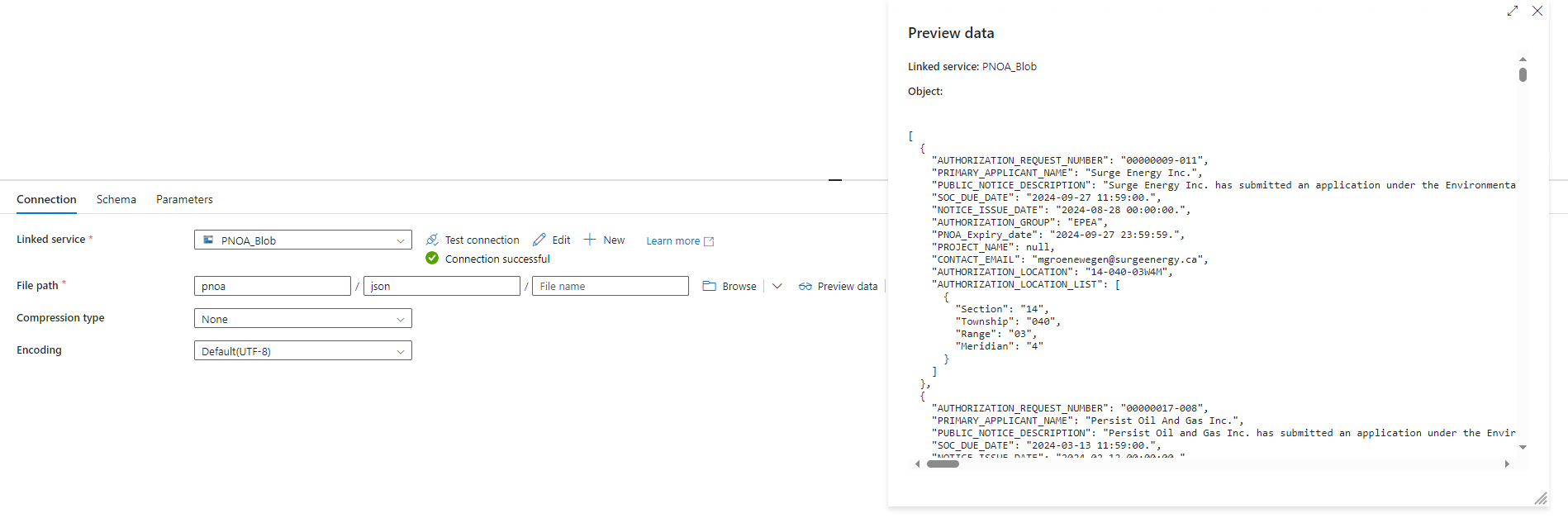

To iterate through each file in Azure Data Factory (ADF) and send them individually to your vendor’s API, follow these steps:
Set up the Get Metadata activity to retrieve Child items of your Azure Blob container. This will give you a list of all files in the container.
Ensure you’re only fetching metadata on Child items (individual files) to avoid exceeding the output limit.
Use the ForEach activity to iterate over each file returned by the Get Metadata activity.
In the Items setting of the ForEach activity, pass the output of the Get Metadata activity to process each file one by one.
Within the ForEach activity, add a Copy Data or Web Activity depending on your vendor's API requirements.
If Web Activity:
Configure it to use the PUT method to the specified API endpoint.
Include {index public key} and {document id} dynamically based on file properties or path.
Use @item().name within the ForEach to get the current file name (or ID) and pass it in the URL.
If the API requires the file’s content in the body, you may need to add a Get Blob Content operation, typically done with an additional Copy Data activity or another Get Metadata configured for file content retrieval
Below is a example of setup in the Web Activity for the API call:
{
"method": "PUT",
"url": "https://api.vendor.com/v2/indices/{indexPublicKey}/documents/@{item().name}",
"headers": {
"Content-Type": "application/json"
},
"body": {
"fileContent": "@{activity('GetBlobContent').output}"
}
}
NOTE:
If encountering limits in Get Metadata, try limiting the number of files by last modified date or filename prefix.
Ensure that your ADF pipeline has the correct permissions to access the Blob storage and execute the Web/Copy activities