Forum Discussion

Help with attachments in Form Design


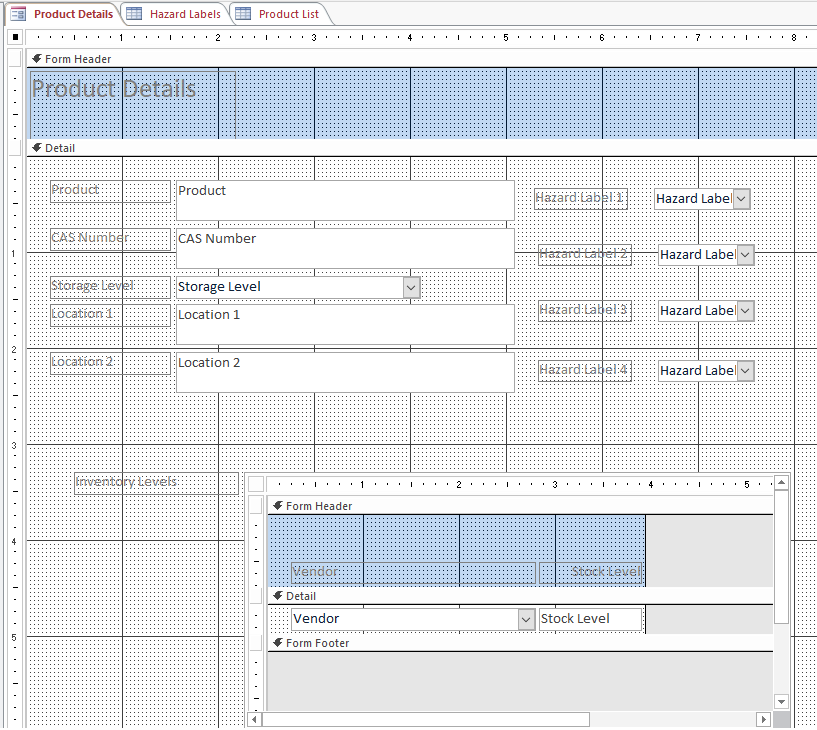

Akaishi Unfortunately, you seem to have at least 3 design problems in the tables and the database.
First, experienced Access developers have learned (often the hard way) not to use lookup fields in tables. That leads to more problems than they are worth. Replace them with standard Primary/Foreign Key fields in the related tables and use combo boxes only on forms, where they are appropriate for interface designs.
Second, experienced Access developers have learned (often the hard way) not to store attachments internally in Access tables. Binary files (images, etc.) embedded in the accdb will bloat the size of the file beyond a manageable size very quickly. Store images externally in a share and only load them as needed in forms or reports.
Third, the table design you describe is often referred to as "a spreadsheet" and it is appropriate for Excel, but not for a relational database application built with Access. Correct that table design to improve the overall performance, maintainability and flexibility of this relational database application.
And now we come to displaying images on a form. Use the image control. Load the appropriate image into it from the external file using the AfterUpdate event of the combo box on the form.