Forum Discussion

stukau
Jan 08, 2026Copper Contributor
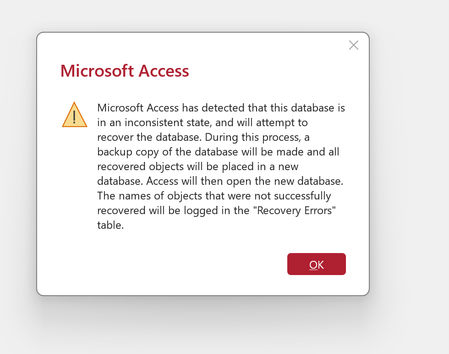
Database in an "inconsistent state" and other errors
Hello. I was directed here for help by Microsoft Tech Support because the problem is "file specific" and not at the app level. I am not computer savvy and have never used a forum like this. Tech supp...

carlwalk
Jan 16, 2026Brass Contributor
This usually means the database file itself is damaged, not that you did anything wrong in Access. When Access says a file is in an “inconsistent state,” it’s basically telling you it can’t trust what’s inside anymore. You can still try a couple of things, open Access first and run Compact and Repair, or create a new blank database and import objects one at a time to see if one specific table or form is causing the problem. If neither works, the safest path is to go back to a clean backup from before the error started, because continuing to open or edit a corrupted file can make things worse. Unfortunately there’s no magic fix, but many times you can recover most of the data with these steps.