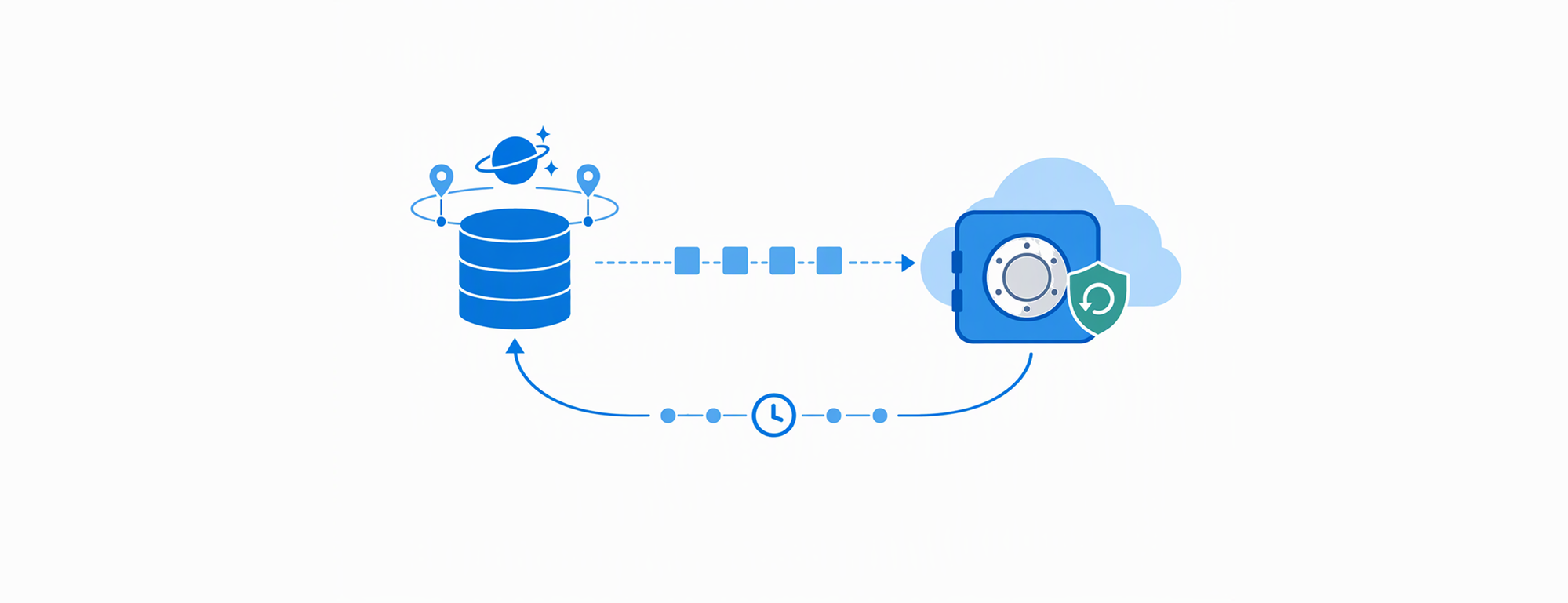
Immutable, isolated, long-term protection for the data behind your most critical applications
Backups are easy to ignore when everything works, and they matter most on the day nothing does. For teams running payment systems, care platforms, and AI apps on Azure Cosmos DB, that day raises hard questions. If an attacker gets hold of a privileged credential, can they wipe your backups too? Can you show an auditor exactly what your data looked like three years ago? Can you recover into a clean environment while the original is under investigation?
Today at Microsoft Ignite 2026, Azure Backup for Azure Cosmos DB becomes generally available to help you answer yes. Vaulted backup stores recovery points in a logically air-gapped vault outside your production environment, keeps them locked against changes or deletion for the retention period you set, and holds them for up to 10 years. It works alongside the native Cosmos DB backups you already use for quick, everyday recovery, and you manage it from the same place as the rest of your Azure Backup workloads.
Since the public preview opened in June, customers in financial services, healthcare, and other regulated industries have tested it against their own recovery and compliance needs. Here’s what their feedback helped us ship: faster recovery point objective, stronger immutability, support for larger accounts, cross-region restore, customer-managed keys, and availability in every Azure public region.
Why vaulted backup for Azure Cosmos DB
Azure Cosmos DB sits behind payment systems, care coordination platforms, customer-facing apps and AI workloads where latency, global scale and availability matter. Its native continuous (point-in-time) and periodic backups keep up to 35 days of history and remain the right tool for fast operational recovery, such as an accidental delete or a bad write. Keep using them.
As these workloads become core business systems, the questions change. Can an attacker with a compromised credential delete your backups before you notice? Can you prove to an auditor what the data looked like three years ago? Can you restore somewhere clean, away from an environment that is under investigation? Vaulted backup is built to answer yes to each of those, and it complements native backup rather than replacing it.
Cyber resilience
Your recovery points live in Microsoft-managed Backup Vault that is logically air-gapped from your production environment and inaccessible from the source account. WORM immutability ensures a backup cannot be modified or deleted before its retention period ends, soft delete guards against accidental or malicious deletion, and multi-user authorization adds a second approver for critical operations. If an incident does hit, you can restore a clean recovery point into a separate account or subscription and get back to business from a trusted starting point.
Compliance and long-term retention
Retain backups for up to 10 years to meet regulatory, audit and legal hold requirements, including operational resilience frameworks such as the EU Digital Operational Resilience Act (DORA). Backups are encrypted at rest and in transit, access is governed by Azure role-based access control, and you choose locally redundant, zone-redundant or geo-redundant storage for the vault.
Centralized governance at lower cost
Azure Cosmos DB backup policies, jobs and recovery points are managed from Resiliency in the Azure portal alongside your other Azure Backup workloads, so one team, one set of controls and one monitoring view cover the whole estate.
How it works
Getting protected takes four steps:
- Create a Backup vault in the same region as your Azure Cosmos DB account's primary write region. The vault can live in any subscription in your tenant.
- Define a backup policy. Choose a daily/weekly backups schedule, then separate retention for daily/weekly/monthly/yearly recovery points
- Configure protection for your account by applying the policy. Azure Backup then captures transactionally consistent, account-level backups that include every database and container, with all partitions captured at the same point in time.
- Restore when you need to. Pick any vaulted recovery point and restore it to a new Azure Cosmos DB account in the same subscription, a different subscription, or the Azure paired region.
What's new since public preview
General availability builds on the public preview with these additions:
- 1-day RPO with incremental backups: A weekly full backup plus daily incremental backup gives you a 1-day recovery point objective, and each daily backup copies only what changed.
- Larger accounts: Protect accounts up to 5,000 partitions [250 TB], up from 2,500 partitions [125 TB] in preview.
- Cross-region restore: Recover to a target account in the Azure paired region, in addition to cross-subscription restore within your tenant.
- Every Azure public region: Vaulted backup is now available across all Azure public regions.
- Auto-heal: Scheduled backups that fail due to transient issues retry automatically, helping you hold your RPO without manual effort. Auto-healed jobs show up in the Backup jobs view.
- Azure CLI support: Configure and manage protection through the portal or the Azure CLI to fit your existing automation.
Pricing
Azure Backup for Azure Cosmos DB follows the familiar Azure Backup pricing structure. Because daily backups are incremental, storage grows with your change rate rather than with a full copy every day. For current rates in your region, see the Azure Backup pricing page and model your own scenario with the Azure pricing calculator.
Try it today
Backups are easy to ignore when everything is working, and they matter most on the day nothing is. Pick your most business-critical Azure Cosmos DB account, configure a backup policy, then run a test restore into a separate subscription. Go to Resiliency in the Azure portal, select Backup and recovery, and configure protection for your account in a few clicks. Follow the tutorial to get started.

 Microsoft