Steve_Stein Loving the new features being added (seems like daily) to Copilot!
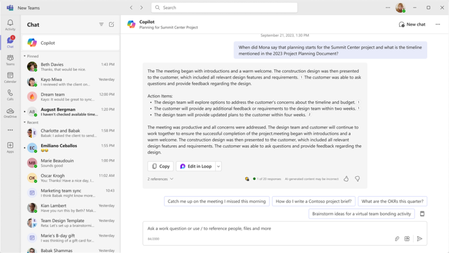
However, I ran into some issue in Channel Meetings. For usage of Copilot during a Teams Channel Meeting that is being recorded & transcribed, it appears that the content generated only stays as long as I'm in the Copilot panel. If I switch to Chat and then back to the Copilot panel, my previously generated content is gone. However, during Teams non-Channel meetings that are being recorded & transcribed, the Copilot content stays even if I jump into other panels like Chat or Notes. When I come back to the Copilot panel everything that was previously generated from my earlier prompts is there. Will Teams Channel Meetings be updated to have Copilot function the same as it does in Teams non-Channel Meetings?
Also, as a co-organizer I started the recording & transcription of a Channel Meeting. After the meeting the recording did not appear in the Teams calendar item details. However for a previous Channel Meeting that the organizer started the recording & transcription, the recording did show up after the meeting for the organizer only. The organizer could view the details in the Teams Calendar item. Will the Channel meeting organizer and co-organizer eventually have the same level of permissions and user experience with regards to Copilot and the Recap tab?