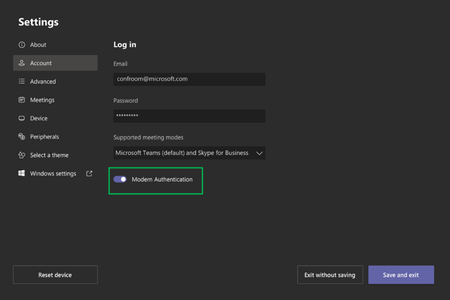
GerryVS this is what I received from Logitech because we utilize they Rally/Meetup for MTR
If you find that both the Tap and the Room displays are blank, re-boot the systems about 10 min apart at least twice but I had one customer need 4.
Eventually video will return, but the main display and the Tap's images will have swapped.
To fix that the trick is to get Windows to re-enumerate everything that is connected to it and that is where these three tricks come in.
First, check if there are any Windows updates available. If it there are, run them. There isn't a specific fix or update needed, the Windows update tool causes the system to reconnect to all the peripherals which seems to get it to act normal.
Next, changing the port that the Tap is connected to and rebooting worked for my test system. Try changing ports on the NUC or swapping to a different Hub if you have a Rally system and doing a hard reboot, it may take more that once though, in my case it took 3. Once it comes back, the image should return to normal, and you can swap back to the original configuration.
Lastly, changing the Strong USB for a different copper cable then rebooting worked for 5 of my customers so far. The odd thing is that initially swapping back to the Strong USB did not work, but the next morning it worked fine.
If just re-booting does not get Teams or the Skype profile to appear, then you may need to re-image the NUC to get it back. This has worked so far, but the issue is so new that I do not know if the systems will revert once all of the current updates are loaded during the nightly update check. Attached are the instructions to re-image the NUCs, if you have any questions please let me know.