This article is available via direct short link at https://aka.ms/setupTeamsPremium
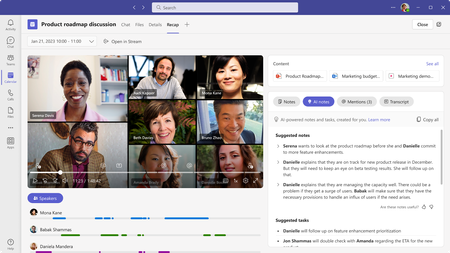
May 19th update: We are excited to share that Intelligent Recap is now in Public Preview! For more, please re...
This blog post shares the step by step instructions for admins to light these features up for end users. Most of these features require some level of admin configuration in Teams Admin Center or compliance portal.
Let's take Watermark as an example.
Step 1: IT admins must go to Teams Admin Center > Meeting policies > Watermark and enable Watermark on video feed and/or shared content.
Step 2: Once the IT admin enables Watermark in Teams Admin Center, end users with a Teams Premium paid or trial license will see Watermark as an option in the "Meeting options" dialog at the time of scheduling. See the screenshots below for Teams and Outlook.

 Microsoft