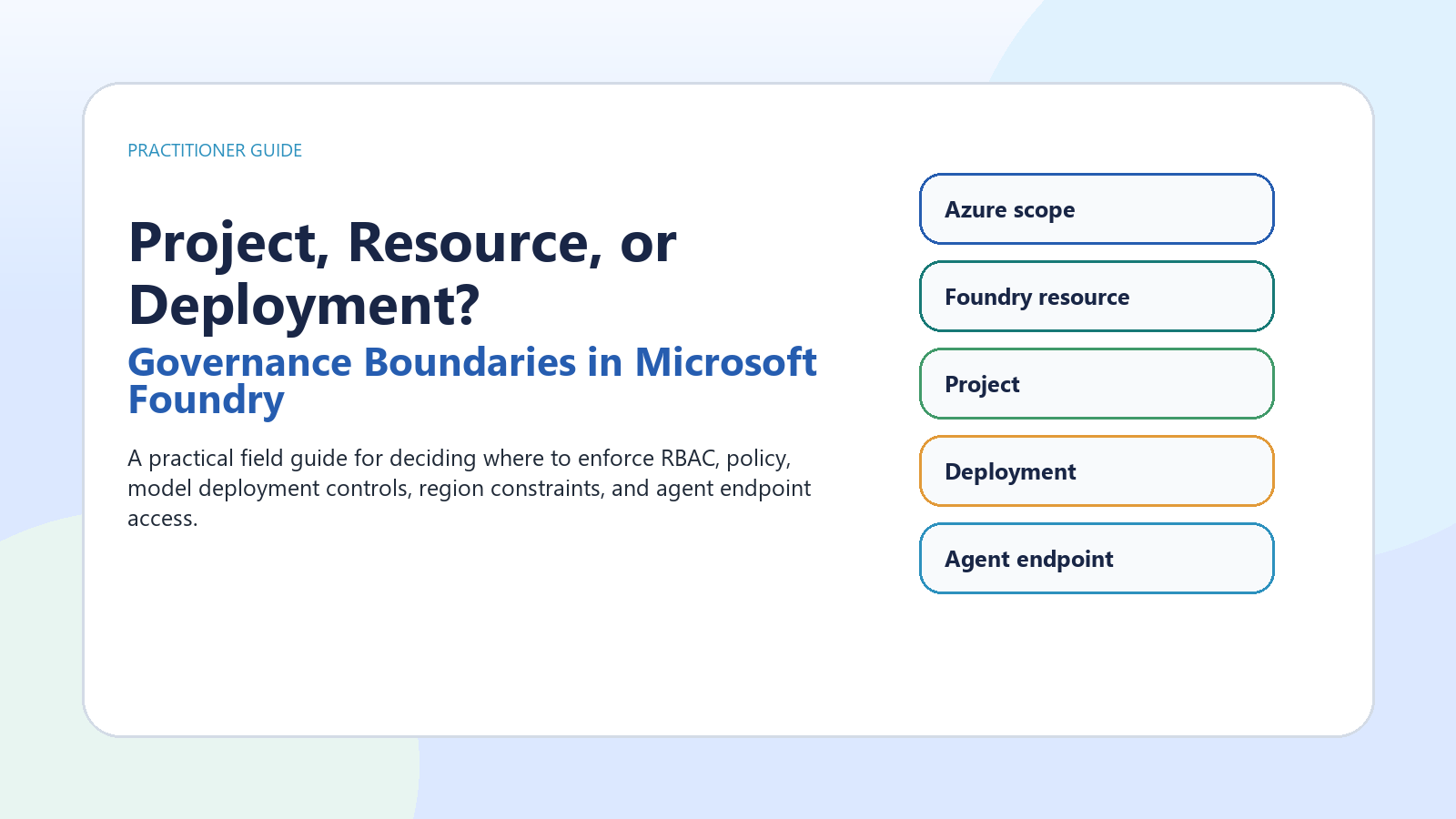
A practical field guide for deciding where to enforce RBAC, policy, model deployment controls, region constraints, and agent endpoint access.
Microsoft Foundry governance works best when teams separate broad Azure controls from Foundry resource controls, project access, model deployment configuration, and agent endpoint permissions. This article provides a practical boundary map for production decisions, with public references and a checklist for implementation.
- Use Azure subscription and resource group scope for enterprise-wide policy, allowed regions, tagging, budgets, and inherited access.
- Use the Foundry resource as the administrative, security, networking, monitoring, and shared deployment boundary.
- Use projects for team and workload organization, not as the only place to enforce enterprise controls.
- Use model deployments to govern runtime model version, deployment type, capacity, filters, and rate behavior.
- Use agent-scope access for narrow endpoint consumption, and prefer Microsoft Entra ID over API keys for production.
Why this matters
Microsoft Foundry is becoming the shared place where teams build agents, deploy models, connect tools, evaluate behavior, and operate AI systems. That consolidation is useful, but it also creates a practical governance question: should a control live at the Azure subscription, the Foundry resource, the project, the model deployment, or the agent endpoint? The answer matters because each boundary enforces a different kind of decision.
A five-boundary mental model
Start with the broadest boundary and move inward. The subscription or resource group is where enterprise Azure governance usually begins: allowed regions, required tags, cost grouping, resource locks, inherited role assignments, and Azure Policy initiatives. The Foundry resource is the administrative and security boundary for a Foundry environment. Microsoft describes it as the single management plane for agents, models, and tools, with unified RBAC, networking, and policies.
Separate control plane from data plane
The cleanest design conversations separate management actions from runtime actions. Control-plane decisions include creating resources and projects, assigning roles, configuring networking, creating connections, and deploying models. Data-plane activity includes inference, agent interaction, evaluation jobs, content safety calls, tracing, and monitoring. A role or lock that protects a resource from deletion does not automatically govern every runtime action. Production governance should deliberately combine Azure RBAC, Foundry RBAC, Azure Policy, network controls, deployment settings, and application logic.
RBAC guidance
Use Microsoft Entra ID for production wherever possible. Microsoft states that API keys are convenient for prototyping but coarse-grained, hard to audit per user, and not recommended for production least-privilege scenarios. Foundry roles are designed for Foundry-specific workflows: for example, builders, project managers, account owners, and agent consumers. Azure roles still matter for subscription, resource group, and role-assignment authority. Be conservative: check the current role table for the exact operation because model deployment, project building, agent publishing, and inference can use different permission surfaces.
Deployment governance is runtime governance
A model deployment is not just a model choice. It is where runtime posture becomes concrete. Deployment type affects where inferencing data can be processed: Global deployments may process in any Azure region, Data Zone deployments keep processing within the Microsoft-specified US, EU, or APAC data zone, and Standard deployments process in the deployment region. That makes deployment type a compliance and architecture decision, not only a performance or price decision.
Policy, preview, and availability
Azure Policy can enforce or audit important Foundry-adjacent requirements, including key access, customer-managed keys, private link, network restrictions, managed identity, model eligibility, and content filtering. Several AI/model-specific policy definitions are marked Preview, so treat them as promising controls rather than production defaults unless your organization accepts preview terms. Foundry also documents a tag to hide preview surfaces and custom RBAC patterns to block selected preview operations.
Recommended operating pattern
Use resource groups and subscriptions for enterprise policy, cost, and environment separation. Use separate Foundry resources when environments need different networking, keys, quotas, or administrative ownership. Use projects for team and workload separation inside a governed resource. Use model deployments to isolate runtime configuration, model version, data-processing posture, filters, and capacity. Use agent-scope access only when a consumer needs one agent endpoint, not the whole project. Prefer Entra ID and managed identities, and disable or tightly govern local key access where production controls require it.
Decision guide
Production checklist
- Which boundary owns this control: Azure scope, Foundry resource, project, deployment, or agent endpoint?
- Is the action control plane or data plane?
- Is the model or feature generally available or Preview?
- Where can inferencing data be processed for the chosen deployment type?
- Which role grants only the needed permission at the narrowest useful scope?
- Is enforcement handled by RBAC, Azure Policy, network isolation, deployment configuration, or application code?
- Have region, quota, model availability, dependent services, Marketplace terms, and cloud environment been verified?
Conclusion
Governance in Microsoft Foundry is not a single switch. It is a layered design. Put enterprise constraints at Azure scope, shared platform controls at the Foundry resource, team workflows in projects, runtime posture in deployments, and consumer permissions at the agent endpoint. That separation keeps governance understandable, auditable, and easier to change as models, regions, deployment types, and platform features evolve.

 Microsoft