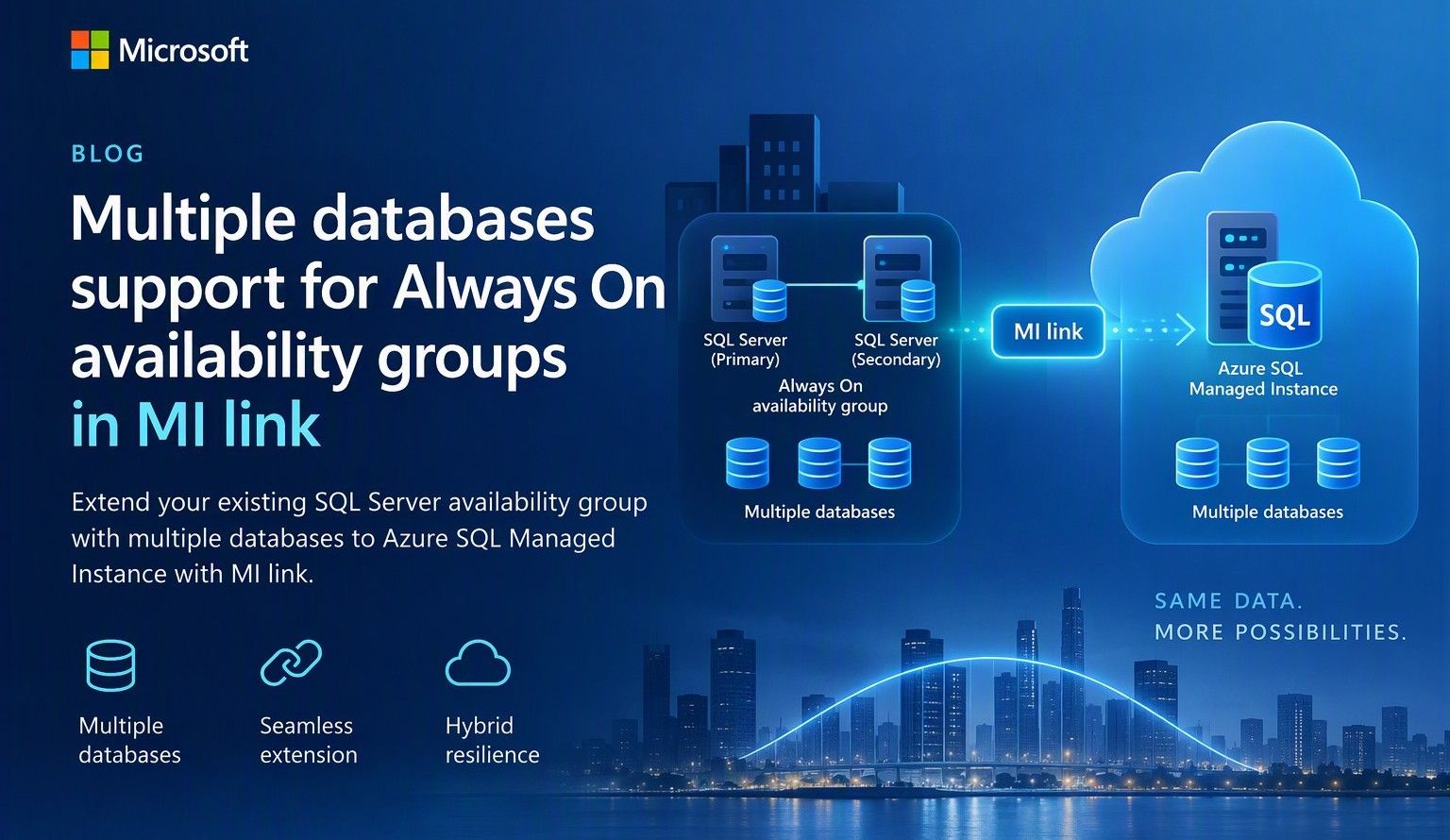
A single Managed Instance link can now replicate every database in an existing multi-database Always On availability group to Azure SQL Managed Inst
A simpler way to extend availability groups to Azure
We are pleased to announce the preview of multi-database mode for Managed Instance link. The new mode lets you replicate multiple databases from an existing Always On availability group through a single link between SQL Server and Azure SQL Managed Instance.
Managed Instance link uses distributed availability group technology to provide near-real-time replication between SQL Server and Azure SQL Managed Instance. It supports hybrid architectures, online migration, disaster recovery, and read-only workload offload. The link can be configured and managed through SQL Server Management Studio (SSMS), PowerShell, Azure CLI, and Azure APIs.
Previously, each link supported one database. Customers with multi-database availability groups therefore had to split databases into separate availability groups and create a link for each database. Multi-database mode removes that limitation for supported SQL Server versions and editions, while the existing single-database mode remains available for earlier versions and other supported configurations.
What you can do with multi-database link mode
- Migrate multiple databases to Azure SQL Managed Instance with minimal cutover downtime.
- Offload read-only workloads, including reporting and analytics, to the secondary replica.
- Use Azure SQL Managed Instance as a disaster recovery target for supported SQL Server versions.
- Start replication in either direction when the SQL Server version and Azure SQL Managed Instance update policy support that direction.
- Reverse primary and secondary roles through a planned failover.
- Build hybrid and multicloud topologies that place database groups where they are most useful.
Preview requirements
| Requirement | Details |
| SQL Server | SQL Server 2022 with CU27 and later or SQL Server 2025 with CU9 and later. |
| Edition |
Enterprise or Developer edition. Standard edition is not supported for multi-database mode because Basic availability groups support only a single database. |
| Azure SQL Managed Instance |
Use a compatible managed instance update policy , either SQL Server 2025, or Always-up-to-date.
|
| SSMS | SSMS 22.10.2 or later for the multi-database link capability. |
| Automation | Az module 16.3.0 or later and Az.Sql 7.1.0 or later, or the corresponding Azure APIs. |
One link for an existing multi-database availability group
If you already use an Always On availability group, multi-database link mode lets you extend the complete database group to Azure SQL Managed Instance without creating a separate availability group for every database. All databases in the link move together as one managed group. Databases on the primary are read-write, while their copies on the secondary are read-only. Use of your existing Always On AG listener endpoint is supported with multi-database mode MI link, allowing the link to remain operational after a local AG failover.
Image 1: A multi-database Always On availability group replicated to Azure SQL Managed Instance through one Managed Instance link.
The diagram illustrates the availability group relationship rather than a specific Azure SQL Managed Instance service-tier replica count. Managed Instance link is supported across all Azure SQL Managed Instance service tiers.
Run multiple links in different directions
A single SQL Server instance can participate in multiple links. Each link can carry a different availability group, and supported links can replicate in different directions at the same time.
In the following example, AG1 (containing DB1, DB2, and DB3) replicates from SQL Server to Azure SQL Managed Instance through MI link 1. AG2 (containing DB4, DB5, and DB6) replicates from Azure SQL Managed Instance to SQL Server through MI link 2. Both links can operate at the same time between the two instances.
Image 2: Two multi-database availability groups using separate links with opposite replication directions.
Important: Database names must be unique in this configuration. A database cannot be renamed on the secondary while it is participating in replication to resolve a naming conflict.
Replicate one availability group to multiple managed instances
Multi-database mode also supports fan-out topologies. You can replicate multiple availability groups to one managed instance, or replicate the same availability group to different managed instances. For example, separate links can target managed instances in different Azure regions.
Image 3: One multi-database availability group replicated through separate links to two Azure SQL managed instances.
Get started
To evaluate multi-database mode during preview:
- Confirm that the SQL Server version, edition, servicing level, and Azure SQL Managed Instance update policy meet the preview requirements.
- Upgrade to SSMS 22.10.2 or later, or use a supported automation interface.
- Enable multi-database mode before creating a multi-database link.
- Create the link from the existing Always On availability group and validate synchronization for every database.
- Review the Azure documentation for multi-database Managed Instance link configuration, limitations, monitoring, failover, and cleanup guidance.
Share your feedback
We would love to hear about your experience with multi-database mode. Please share questions, feedback, and feature suggestions through the Managed Instance link feedback form.

 Microsoft