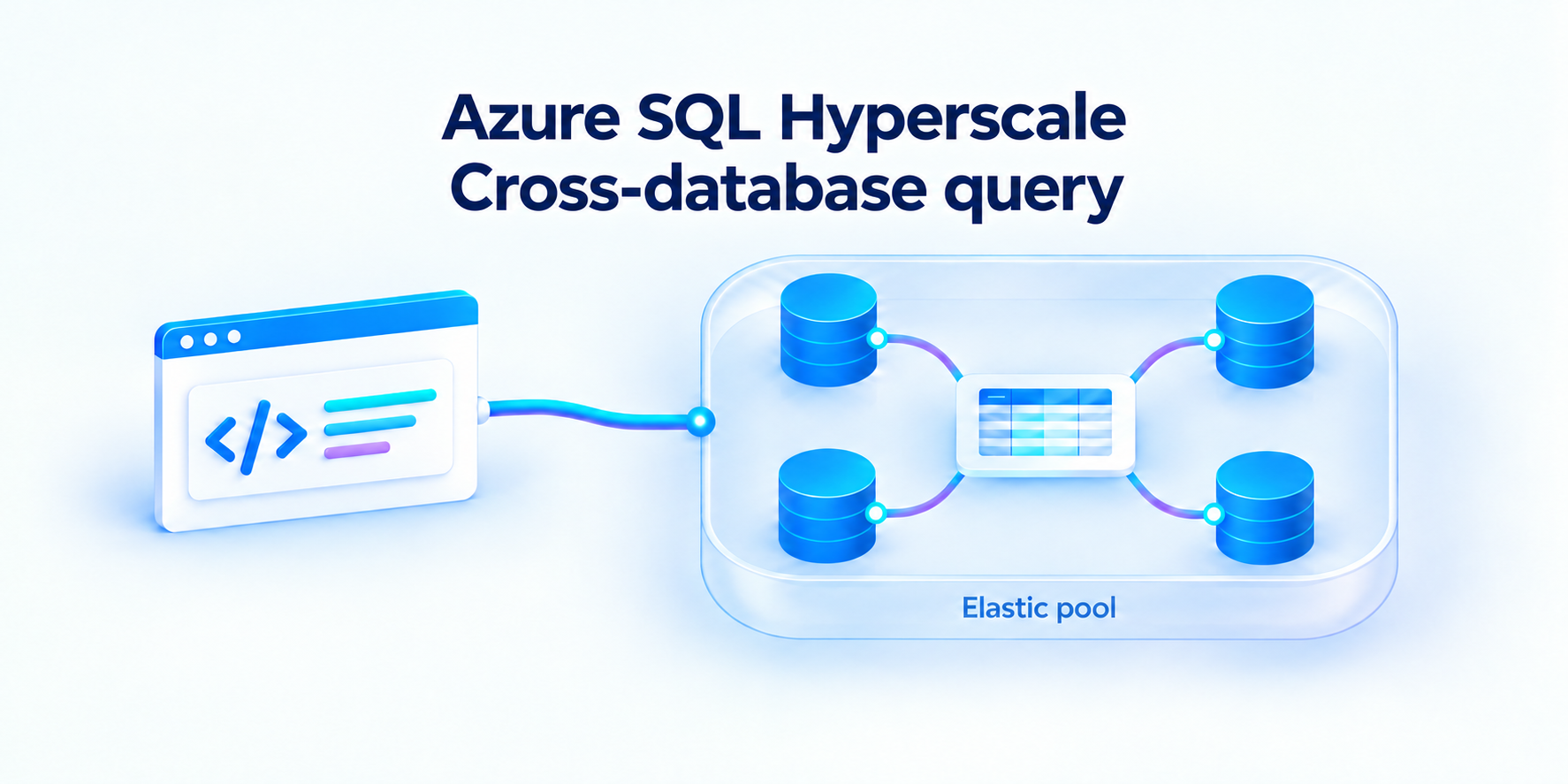
Query across databases in a Hyperscale elastic pool with familiar T-SQL.
Today, we're announcing the limited preview of Azure SQL Database Hyperscale Cross Database querying. Use familiar [database].[schema].[object] names to query across databases in the same Hyperscale elastic pool from the same client connection. Keep your application databases separate while bringing the information you need into one result.
Consider an order-management application: orders live in SalesDB, while stock quantities live in InventoryDB. Answering a simple question about an order can otherwise mean fetching two result sets and joining them in application code. With cross-database querying, you can express that relationship directly in T-SQL.
Request access to the limited preview | aka.ms/azuresql-crossdb-prpr
Why this matters
If your on-premises SQL Server application relies on cross-database queries, moving to the cloud can mean changing more than a connection string. You may need to rewrite queries, consolidate databases, or move business logic into application code. This feature helps avoid some of that work: keep your databases separate in the same Hyperscale elastic pool and continue using familiar three-part name T-SQL Code.
It’s useful even if you aren’t migrating. If your application fetches data from several databases and combines the results itself, that’s extra code to write and maintain. If you’re keeping copies of data just to make those operations possible, you also have to store and synchronize them. Cross-database can remove the need for those workarounds, simplifying your application and potentially reducing what you spend on application compute, duplicate storage, and integration pipelines. Querying data directly also avoids sync delays and inconsistencies from out-of-date copies.
This is native three-part name access, not external-table, and it requires no extra network setup. Your normal SQL connectivity and access controls still apply.
Let's see it in action
Connect to SalesDB and join its local Orders table to InventoryDB.dbo.Inventory. The database prefix identifies the table in the other database; it does not switch your connection.
-- Connection: SalesDB

SELECT o.OrderId, o.ProductId, i.Quantity
FROM dbo.Orders AS o
JOIN InventoryDB.dbo.Inventory AS i
    ON i.ProductId = o.ProductId
WHERE o.OrderId = 1001;
The application receives one result set containing the order and its inventory quantity. Orders and inventory remain in their original databases, and the query reads the existing tables rather than a separately synchronized reporting copy.
Beyond SELECT: put cross-database T-SQL to work
You can use cross-database queries directly or within views, stored procedures, and functions. You can also combine cross-database reads with data modifications in your T-SQL workflows.
Write support is limited to one database and still under development during the preview. Supported write patterns and current restrictions are shared during sign-up and onboarding.
For example, connect to InventoryDB and define an inventory-adjustment procedure that updates its local stock table. Read orders from SalesDB and call the procedure twice within one transaction:
-- Connection: InventoryDB

CREATE PROCEDURE dbo.AdjustInventory
    @ProductId int,
    @QuantityChange int
AS
BEGIN
    UPDATE dbo.Inventory
    SET Quantity = Quantity + @QuantityChange
    WHERE ProductId = @ProductId;
END;
GO

DECLARE @ProductId int, @Quantity int;

BEGIN TRANSACTION;

SELECT @ProductId = ProductId, @Quantity = Quantity
FROM SalesDB.dbo.Orders
WHERE OrderId = 1001;

EXEC dbo.AdjustInventory @ProductId = @ProductId, @QuantityChange = -@Quantity;

COMMIT TRANSACTION;
This example reads order 1001 from SalesDB and uses its product and quantity to update stock in InventoryDB. The read and the procedure call run in one transaction, and the only write goes to InventoryDB's local Inventory table.
Join the limited preview
The limited preview is available for Hyperscale elastic pools only. All participating databases must be in the same pool on the same logical server. Bring your application scenarios, query patterns and feedback to help shape what comes next.
Get started in four steps
- Create your environment. On a non-production Azure SQL logical server, create a Hyperscale elastic pool with two or more test databases.
- Request access. Sign up for the limited preview. The preview team will confirm your eligibility and turn on the feature once your configuration is approved. You'll also get a detailed onboarding guide with setup steps and the full list of preview limitations.
- Configure security and identity. Create a Microsoft Entra login, map users in each participating database, and grant the permissions your workload needs across the databases.
- Run your queries. Connect to any database in the pool and use familiar [database].[schema].[object] names to query the others.
Know the limitations. Participating databases must stay online and in the same pool. Moving a database out of the pool breaks any query that uses it. Writes are limited to one database, and savepoints and nested transactions aren't supported. Additional write restrictions and preview limitations are covered in the onboarding guide.
Request access to the limited preview | aka.ms/azuresql-crossdb-prpr

 Microsoft