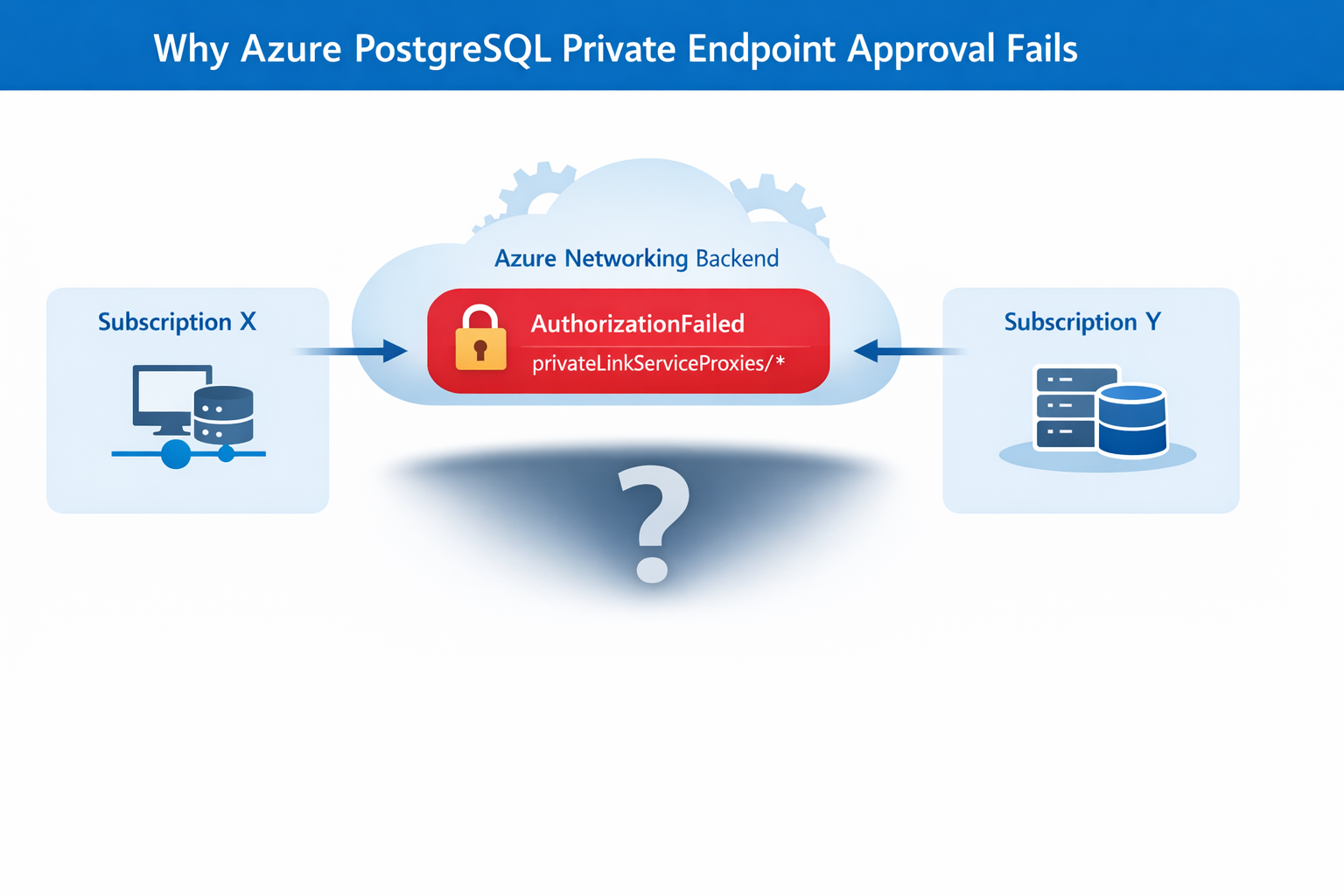
We encountered a support case involving Azure Database for PostgreSQL Flexible Server where a Private Endpoint connection request could not be approved when the Private Endpoint was created in a different subscription or tenant. This blog explains the root cause, resolution steps, and best practices to avoid approval failures caused by missing permissions or resource provider registration an issue that often surfaces as confusing authorization errors.
Co‑authored with HaiderZ-MSFT
Symptoms
Customers experience issues when attempting to approve a Private Endpoint for Azure PostgreSQL Flexible Server, particularly in cross‑subscription or cross‑tenant setups:
- Private Endpoint remains stuck in Pending state
- Portal approval action fails silently or reverts
- Selecting the Private Endpoint displays a “No Access” message
- Activity logs show repeated retries followed by failure
Common Error Message
AuthorizationFailed: The client '<object-id>' does not have authorization to perform action 'Microsoft.Network/privateEndpoints/privateLinkServiceProxies/write' over scope '<private-endpoint-resource-id>' or the scope is invalid.
Root Cause
Although the approval action is initiated from the PostgreSQL Flexible Server (service provider resource), Azure performs additional network‑level operations during approval.
Specifically, Azure must update a Private Link Service Proxy on the Private Endpoint resource, which exists in the consumer subscription.
When the Private Endpoint resides in a different subscription or tenant, the approval process fails if:
- Required Resource Providers are not registered, or
- The approving identity lacks network‑level permissions on the Private Endpoint scope
In this case, the root cause was missing Resource Provider registration, resulting in an AuthorizationFailed error during proxy updates.
Required Resource Providers
- Microsoft.Network
- Microsoft.DBforPostgreSQL
If either provider is missing on either subscription, the approval process will fail regardless of RBAC configuration.
Mitigation Steps
Step 1: Register Resource Providers (Mandatory)
Register the following providers on both subscriptions:
- Microsoft.Network
- Microsoft.DBforPostgreSQL
This step alone resolves most cross‑subscription approval failures.
Azure resource providers and types - Azure Resource Manager | Microsoft Learn
Step 2: Validate Network Permissions
Ensure the approving identity can perform:
Microsoft.Network/privateEndpoints/privateLinkServiceProxies/write
Grant Network Contributor if needed.
Step 3: Refresh Credentials and Retry
If changes were made recently:
- Sign out and sign in again
- Retry the Private Endpoint approval
Post‑Resolution Outcome
After correcting provider registration and permissions:
- Private Endpoint approval succeeds immediately
- Connection state transitions from Pending → Approved
- No further authorization or retry errors
- PostgreSQL connectivity works as expected
Prevention & Best Practices
- Pre‑register required Resource Providers in landing zones
- Validate cross‑subscription readiness before creating Private Endpoints
- Document service‑specific approval requirements (PostgreSQL differs from Key Vault)
- Automate provider registration via policy or IaC where possible
- Include provider validation in enterprise onboarding checklists
Why This Matters
Missing provider registration can lead to:
- Failed Private Endpoint approvals
- Confusing authorization errors
- Extended troubleshooting cycles
- Production delays during go‑live
A simple subscription readiness check prevents downstream networking failures that are difficult to diagnose from portal errors alone.
Key Takeaways
- Issue: Azure PostgreSQL private endpoint approval fails across subscriptions
- Root Cause: Missing Resource Provider registration
- Fix: Register Microsoft.Network and Microsoft.DBforPostgreSQL on both subscriptions
- Result: Approval succeeds without backend authorization failures
References

 Microsoft