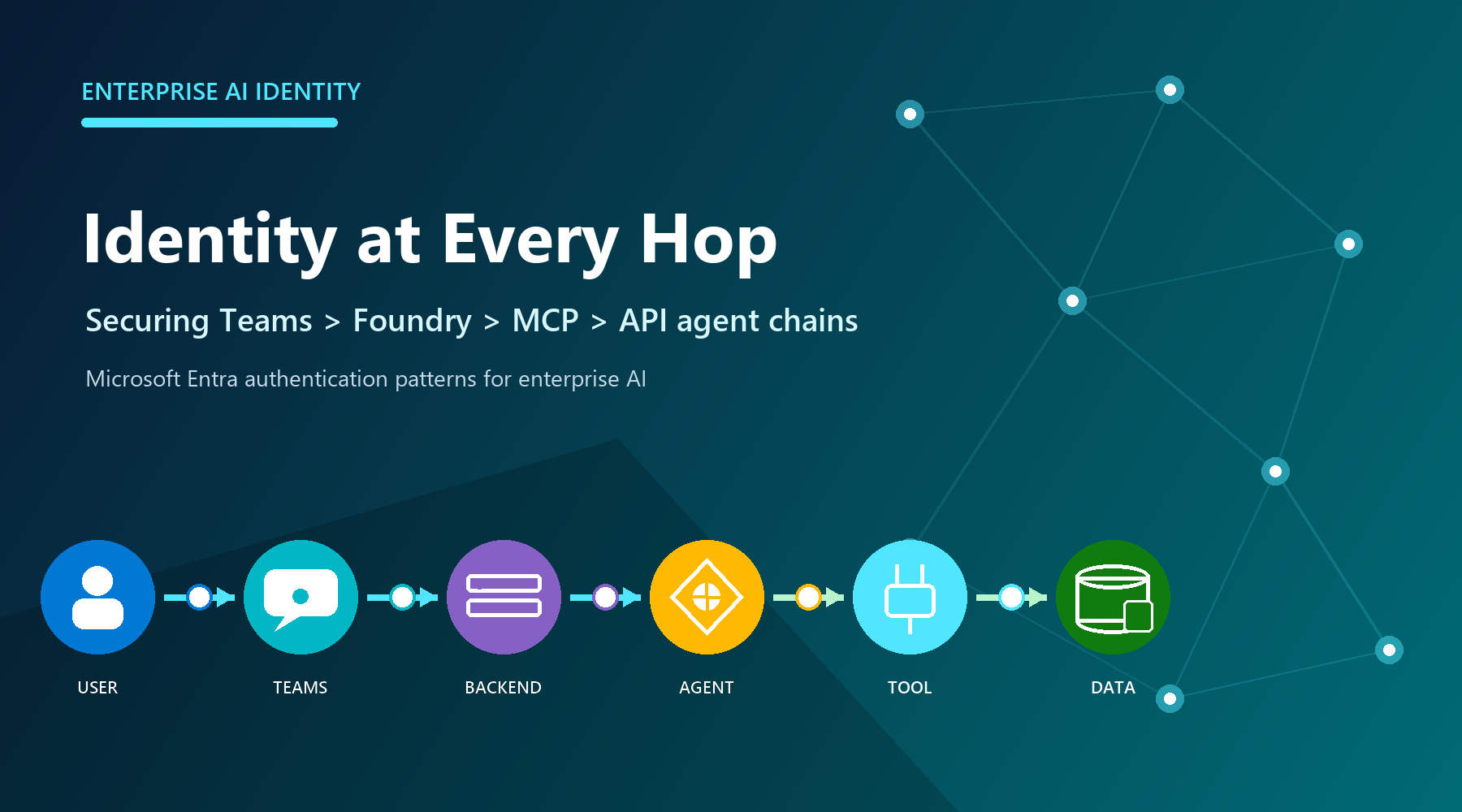
Securing Teams, Foundry, MCP, and API agent chains
Use delegated On-Behalf-Of access only when a downstream service must enforce the signed-in user's permissions. Use a managed or agent identity for unattended work. At every hop, obtain a token for the intended audience instead of forwarding one issued for another service.
Model every hop as a boundary
A Teams request can involve a user, Teams app or bot, application backend, Foundry project or agent, MCP server, and protected API. Each component may use a different principal, token audience, permission model, and consent boundary. Decide whose authority each downstream resource should evaluate, then grant that principal only the required access.
For a Teams tab, getAuthToken() returns a JWT whose audience is the application's client ID. Send it to the backend over HTTPS and validate signature, issuer, audience, expiry, and tenant. It is not a general-purpose Microsoft Graph token. Bot SSO uses the Bot Framework token service; documented SSO supports one-to-one and group chats, not channel scope.
Do not authorize from a display name, email, or client-parsed claim. The backend must establish the trusted principal first, then apply application authorization. Teams SSO gets identity into the application; it does not grant automatic access to Foundry, a tool, Graph, or business data.
Each hop validates a token for its own audience; tokens are exchanged, not relayed. Original diagram.
Exchange tokens when user authority must travel
OAuth 2.0 OBO is for a middle-tier API calling another API under a signed-in user's delegated authority. The backend validates Token A, authenticates as a confidential client, and exchanges Token A at the tenant-specific Entra endpoint. Entra returns Token B for the downstream audience and scopes. Present Token B only to that resource.
OBO requires a user principal and delegated scopes. An app-only token cannot be used as the OBO assertion; use client credentials or managed identity when no user is present. Never relay the backend token to Graph, MCP, or another API. Relay breaks audience enforcement and can conflict with Conditional Access. Surface interaction-required claims challenges back to the client instead of hiding them as generic server failures.
Assign the correct Foundry identity
An agent identity is a specialized Entra service principal. Unpublished agents share a project-level development identity; publishing creates a distinct production agent identity. Permissions do not transfer automatically, so assign downstream roles to the published identity. At runtime, Agent Service obtains a scoped token for the target service; the audience is that service's resource identifier, not necessarily the MCP endpoint URL.
Apply Foundry RBAC at the narrowest useful scope. Foundry Agent Consumer is for invocation, Foundry User is for building and testing, and Foundry Project Manager supports project management and publishing. Prefer Entra authentication: resource keys provide coarse access and bypass these role distinctions. Role names may still appear under older Azure AI labels during rollout.
Treat MCP authorization as an explicit design
MCP defines tool discovery and invocation; it does not make a server trusted. For remote servers, choose no authentication only for intentionally public services. Otherwise use custom keys, custom OAuth, a user Entra token, project managed identity, or agent identity according to who must be authorized. A configured connection does not grant downstream permission by itself.
Toolbox can centralize credential injection, refresh, versioning, and policy behind an MCP-compatible endpoint. Allow-list required tools, require approval for risky writes, and log tool names, authorization outcomes, and approvals without logging tokens. Prefer managed identities or federated credentials to stored secrets.
For user-owned mail, files, or other delegated resources, choose supported user passthrough or OBO. For background jobs, use workload identity. When every published agent needs distinct permissions and audit, use its distinct agent identity. Use project managed identity only when all agents in that project should share the same Azure access after explicit risk review.
Practical identity checklist
Multitenant sign-in does not make every downstream exchange cross-tenant. Customer consent creates a service principal in the customer tenant, but Foundry's built-in OAuth identity passthrough requires the user's tenant to match the Foundry project tenant. Define tenant placement, administrator consent, issuer validation, and offboarding; use a validated custom OAuth design when built-in passthrough cannot meet the requirement.
Troubleshoot from the resource that rejected the request. A 401 usually points to a missing, expired, malformed, or wrong-audience token. A 403 usually means the identity is recognized but lacks permission, although service firewalls can also return 403. DNS failures, TCP timeouts, and private-endpoint routing errors are not repaired by adding RBAC.
|
Question |
Production decision |
|
Whose authority? |
User: delegated OBO. Workload: managed or agent identity. |
|
Correct token? |
Validate issuer, audience, tenant, lifetime, scopes, and claims. |
|
Correct principal? |
Reassign target RBAC after publishing creates a new identity. |
|
Tool governance? |
Allow-list tools; approve side effects; broker shared credentials. |
|
Cross-tenant? |
Design consent and offboarding; built-in passthrough requires matching user and Foundry tenants. |
|
Failure class? |
Separate 401, 403, consent, DNS, firewall, routing, and timeout evidence. |
Conclusion
Design identity before connecting tools. Ask who the downstream service should authorize, exchange tokens for the correct audience, and scope RBAC to the resulting principal. Validate consent, renewal, revocation, tool approval, and network reachability one hop at a time.

 Microsoft