windows ui (winui)
4 TopicsMy Vision of the Windows 12 UI Ver. 2.0
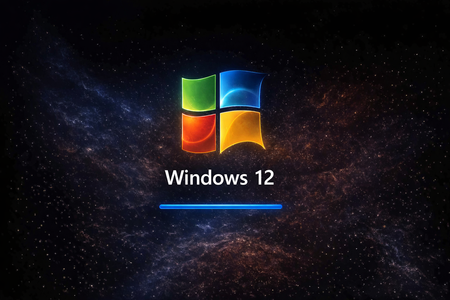
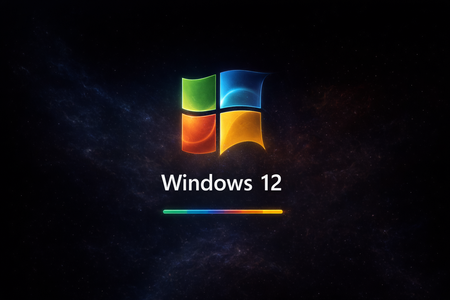
The design of an operating system doesn’t evolve only inside laboratories. Sometimes it emerges where creativity, humor, and the desire to push the boundaries of what we call the “Windows experience” come together. UI/UX 12 is exactly that kind of project — spontaneous, playful, and surprisingly consistent. It was born from the joy of exploration, from nostalgia for the classics, and from the desire to see Windows the way it could look if it were guided by the people who live with it every day. Why UI/UX 12 was created Windows is a platform with a soul. But a soul needs space — and that’s exactly what we gave it: clean lines that breathe widgets that inform rather than distract apps that feel like parts of a single ecosystem legends like Solitaire and Pinball brought back to life Copilot that finally looks like a partner, not just a panel UI/UX 12 is not just a concept. It’s a dialogue between the user and the system. What Microsoft can take from this This is not criticism. This is an invitation. An invitation to look at Windows through the eyes of someone who uses it daily, follows its evolution, tests its limits, and knows exactly what it’s missing. UI/UX 12 shows that the community can create designs that are: instantly understandable visually unified functionally thoughtful and still true to the DNA of Windows It’s proof that the user’s vision can be just as valuable as internal design. A message to designers and the community “Windows is not just software. It’s a space where we live, create, work, and play. UI/UX 12 is a glimpse of what that space can become when it’s inspired by the people who truly love it.” ✌️🫶😎528Views2likes2CommentsMy Vision of the Windows 12 UI
This is my personal vision of how I would love the next generation of the Windows 12 UI to look and feel. Yes, it was created quickly, but I believe many users will appreciate the direction, the clarity, and the modern design language behind it. My inspiration comes mainly from Ubuntu, because its UI animations are incredibly smooth, responsive, and visually clean. The entire system feels fast, elegant, and thoughtfully designed — and I think Windows could benefit from adopting some of these principles. I also took cues from Android and macOS, especially in areas like the lock screen, widgets, top bar layout, and overall fluidity. The goal was not to copy, but to blend the best ideas into something that still feels unmistakably like Windows — just more modern, more consistent, and more future‑ready. Take a look at the concept and judge for yourself. I hope it inspires discussion, feedback, and maybe even catches the attention of the Windows design team.764Views1like4Comments
Host Custom UWP Controls in MFC MDI Project using XAML Islands
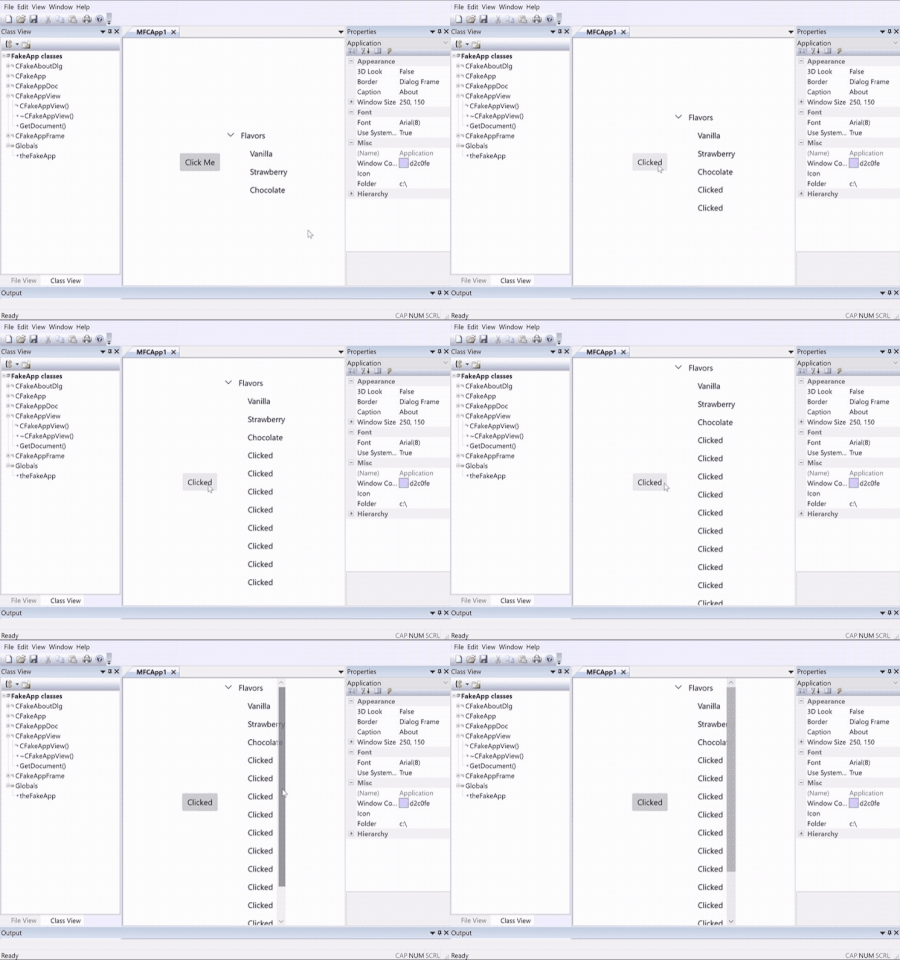
This article explains how to modernize MFC MDI project with custom UWP Controls through XAML Islands. With custom UWP controls, it allows us to define control layout easily through XAML pages. Not only putting standard UWP controls into the custom control, we can also integrate other custom controls as well, such as latest WinUI controls. We will use a new Xaml Application project to bring the custom UWP controls into our MFC project. This article has mentioned how to use the new XAML application in Win32 C++ application, we will give more detailed steps for MFC project.12KViews1like3CommentsHost Custom UWP Controls in C++ Win32 Project using XAML Islands
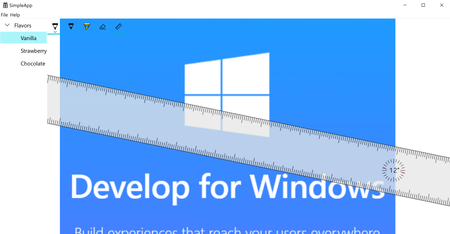
This article explains how to modernize C++ Win32 project with custom UWP Controls through XAML Islands in detail. With custom UWP controls, it allows us to define control layout easily through XAML pages. Not only putting standard UWP controls into the custom control, we can also integrate other custom controls as well, such as latest WinUI controls. We will use a new Xaml Application project to bring the custom UWP controls into our C++ Win32 project. This guide has mentioned how to use the new XAML application in Win32 C++ application, we will give more detailed steps.4.3KViews1like0Comments