synapse monitoring
19 Topics
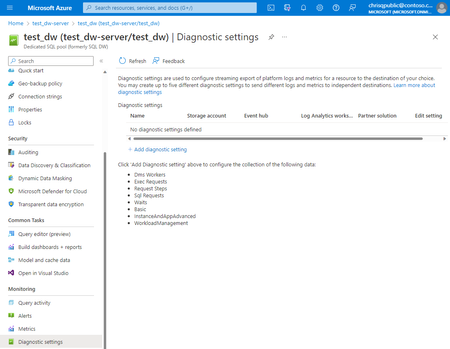
Missing Fields Added to Dedicated SQL pool Diagnostic Settings Logs
Nine fields have been added to the Dedicated SQL pool logs and are generally available. These values will provide a more effective monitoring experience as customers are now able to identify which session the query belongs to along with other fundamental insights.6.4KViews2likes1Comment
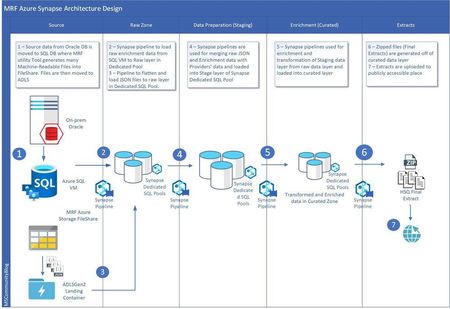
Unleashing the capabilities of Azure Synapse Analytics for a healthcare customer
This blog post aims to provide you with insights into the best practices for optimizing performance in data ingestion and transformation. You will learn how to efficiently use available resources, compute capacity, and workload management in Azure Synapse Analytics workspace. While the solution discussed in this blog pertains to a healthcare industry customer, the optimization techniques presented here are applicable to other industries as well.39KViews5likes6CommentsCreate alerts for your Synapse Dedicated SQL Pool
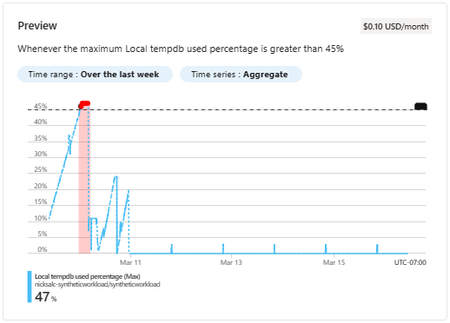
In this article I will discuss how to configure alerts for you Azure Synapse dedicated SQL pool and provide recommended alerts to get you started. Enabling alerts allows you to detect workload issues sooner allowing you to take action earlier to minimize end-user impact.50KViews3likes4CommentsMonitoring serverless SQL ended requests by using Log Analytics.
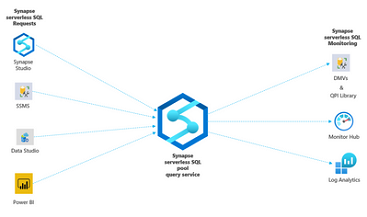
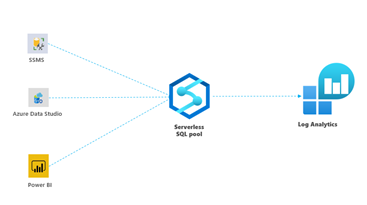
I was working in a serverless SQL case where the customer is trying to figure out how to monitor serverless SQL requests by using log analytics. The intention of this guide is explaining all required setup and considerations about how to monitor serverless SQL requests with Azure Monitor.8.9KViews9likes2Comments
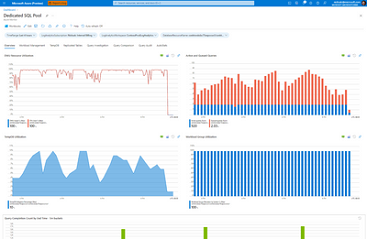
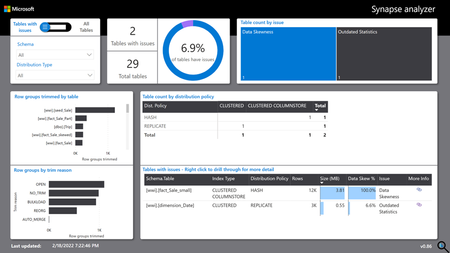
Updated Synapse Analyzer Report: Workload Management and ability to monitor large data warehouses
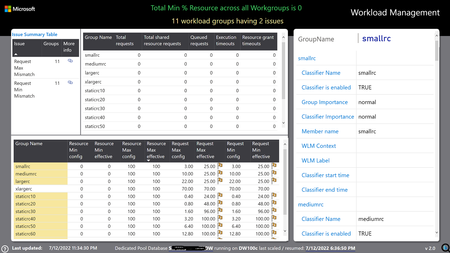
Now monitor and discover issues around Workload Management for Synapse Dedicated Pool with the new update to Synapse Analyzer Report (version 2.0). With this update, another template is also included, that will support running reports against extra-large data warehouses having >10K objects5.2KViews5likes0CommentsRetrieve Azure Synapse role-based access control (RBAC) Information using PowerShell
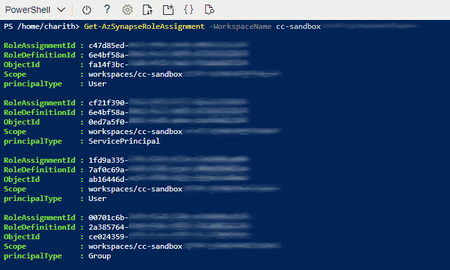
One of the key use cases that most customers face difficulties while retrieving or assigning the role-based access control in Azure Synapse Analytics, that they cannot find the correct usernames, group names or the service principal names using the PowerShell cmdlet "Get-AzSynapseRoleAssignment". The PowerShell cmdlet only provides limited information and it's difficult to understand since that contains the object IDs. In this article, I have provided multiple examples to retrieve this information in a more meaningful way, that includes the usernames, group name or the service principal name.14KViews3likes0Comments