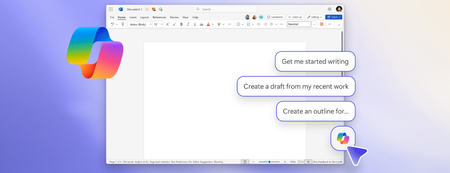
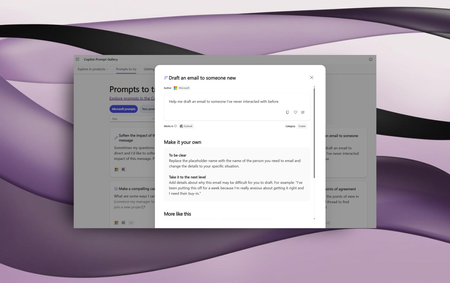
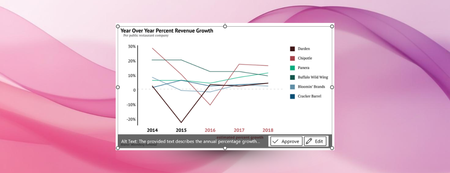
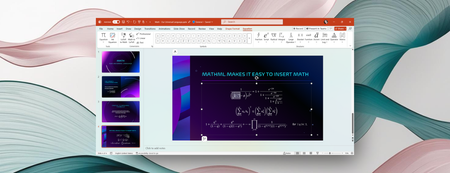
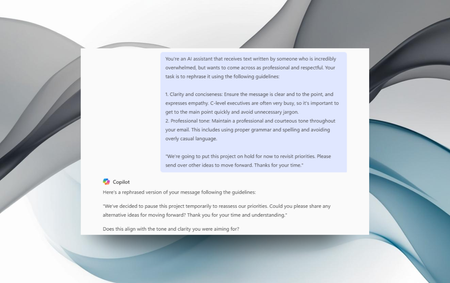
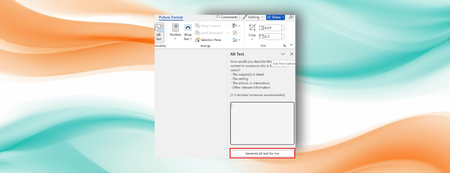
Most RecentNewest TopicsMost LikesMost ViewedNew Copilot entry points, smart suggestions, and keyboard-first design The ability for Copilot to better connect to your content when using a keyboard and screen readers has evolved. Join the Microsoft 365 Insider program on Windows Get Microsoft 365 Insider updates on Windows Microsoft 365 Copilot: Your time and project management advisor Microsoft 365 Copilot can reference emails, Teams, and more to help you prioritize tasks and avoid burnout. Boost communication with Microsoft Copilot prompts for neuroinclusion Try out our new prompts in the Microsoft Copilot Prompt Gallery focused on promoting neurodiversity! Automatic alt text generation in Word and PowerPoint on Copilot+ PCs Rich alt text is automatically generated when you insert an image, making your content more accessible from the get-go. Writing and presenting about math is easy and inclusive with Microsoft 365 We’re excited to share recent improvements that make writing and presenting about math easier and more accessible to everyone. Microsoft 365 Insider Handbook Your guide to the Microsoft 365 Insider program. Copilot supports communication in every style Using the "empathy bot prompt," you can make your communications widely understandable and more effective. Microsoft 365 Accessibility, a year in review: Building accessible experiences with support from AI In 2025, we continued co-creating with internal and external communities to make collaborating and creating content across Microsoft 365 seamless and accessible. Richer alt text in Word and PowerPoint, powered by generative AI Leveraging generative AI, you can write richer, more descriptive, and more context-aware image descriptions.