Requests
1 Topic
Microsoft will release a UI modification apps built specifically for Windows 10 2004 and later
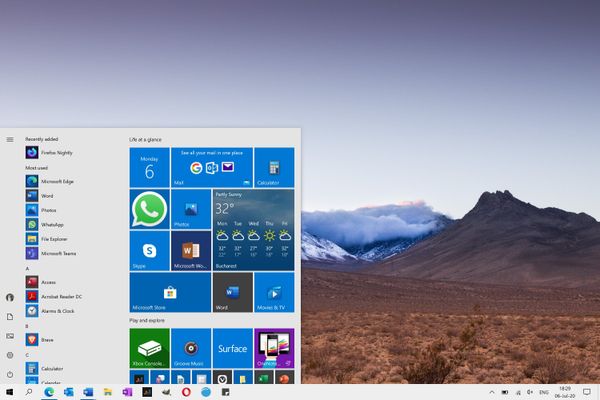
For Windows 11 users, don't like the Windows 11 style Start menu, taskbar, search menu, window switcher, task view, file manager, notification center and operation center, and they don't like the transparent tile in the Windows 10 Start menu. Microsoft decided to launch a personalized UI modification apps for Windows 11 and Windows 10. You can reproduce the Windows 10 style Start menu (Includes options to show more tiles, enable theme-aware tiles, show recently added apps, show most used apps, show suggestions occasionally in start, use start full screen, show recently opened items in jump lists on start or the taskbar and more), taskbar, search menu, context menu, snap assistant, window switcher, task view (timeline), file manager, news and interests, flyout (Includes options to Network, Sound, Clock, Battery, Language switcher and more), notification center and action center. And you can also reproduce the Windows 8.1 style Start screen (Horizontal Scroll Only), Windows 7 style Task View, classic style, right-angled window and so on.567Views0likes0Comments