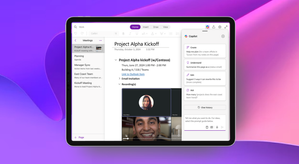
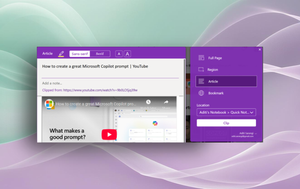
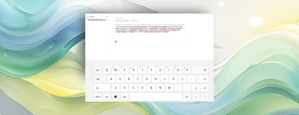
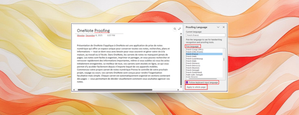
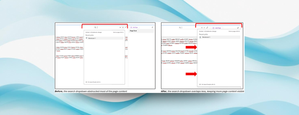
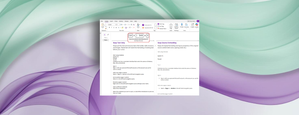
Most RecentMost ViewedMost LikesIncrease productivity with Copilot in OneNote for iPad and Mac for commercial customers Get your tasks done faster and boost creativity with Copilot in OneNote for iPad and Mac. OneNote for Windows 10 support is ending On October 14, OneNote for Windows 10 will reach End of Support. We recommend using OneNote on Windows for a more streamlined experience. Get the most out of OneNote with these little-known features Features like version history and Web Clipper can simplify note-taking and make it easier to save relevant content. Introducing the new Sticky Notes app on Windows Create and recall notes more seamlessly the new Sticky Notes app on Windows. Touch keyboard appears automatically in OneNote on Windows With this update, the touch keyboard now launches instantly with a single tap on the page canvas. More control over proofing language in OneNote on Windows This update to Microsoft OneNote on Windows gives you more flexibility over proofing languages in your notebook pages. Crop pictures directly in OneNote on Windows You used to have to rely on external tools to crop a picture before putting it in OneNote. Not anymore! Keep ink annotations with images and PDF printouts in OneNote Easily move images and PDF printouts with associated ink using the Lasso tool. Improved search dropdown placement in OneNote on Windows We’ve repositioned the search dropdown to minimize overlap with your page, so you can browse while seeing more of your canvas. Paste text only shortcut in OneNote on Windows, for Mac, and for the web Paste text without formatting from any source, be it a webpage or Outlook, using keyboard shortcuts.