Forum Discussion

Unable to launch the Surface DUO Emulator with Visual Studio
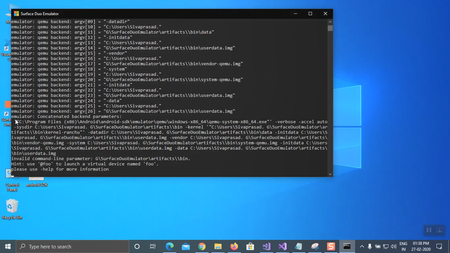
- Mar 20, 2020
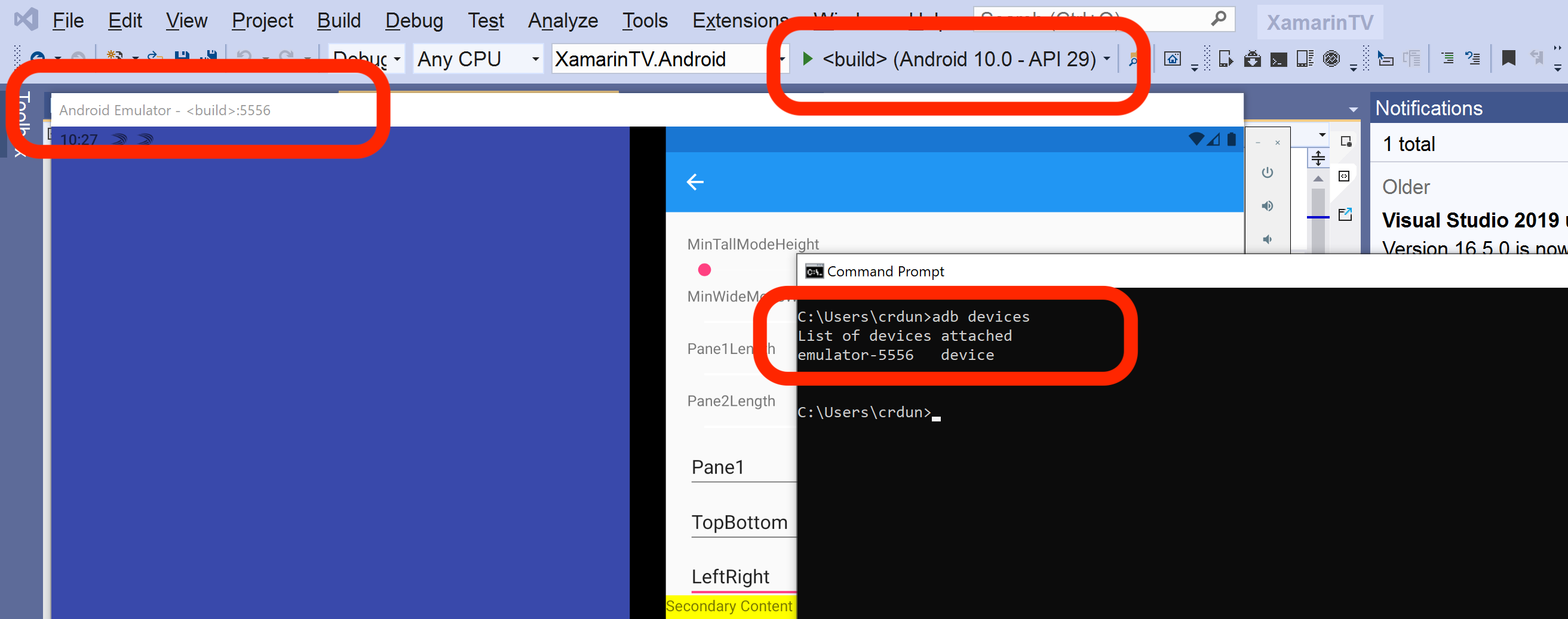
Sivaprasad. G if you see the Surface Duo emulator, check the port showing in the title bar (it will say something like "Android Emulator - <build>:5556").
That should match the post listed by adb devices, even though the rest of the name may not match exactly. I've attached a screenshot of how it looks for me.
I'll add that whenever I use the Visual Studio batch file (run_vs.bat), I get a low-numbered port (like 5554 or 5556). I notice in your list it's 5578. Check that your batch file does not specify the -ports parameter (and also confirm the ANDROID_SDK_LOCATION is the one in C:\Program Files (x86\Android\android-sdk).


Hello Craig_Dunn ,
Thank you for the detail information and support , After changing the script, I can successfully launch the emulator by clicking the run.bat, However when I tried to run the sample app (surface duo Xamarin sample apps) I didn't find the Surface Duo emulator in option, (even I build, the solution )
I also tried following the steps
- removed the -ports 5575,5579 in run.bat ,
- replaced run.bat with the original xamarin script and modified the part ANDROID_PRODUCT_OUT as run_androidstudio.bat, the run.bat not throw any error , its successfully launch the emulator.
The same thing applied to run_vs.bat, and I can directly launch the emulator by clicking run_vs.bat
However still I wasn't able to successfully connect the emulator to Visual studio.

That's sad Sivaprasad. G,
just as a guess, did you tried to launch VS as an administrator? Do you use any security software that may block some inner computer connections?
- tscholzeMar 19, 2020Iron Contributor
Sivaprasad. G That's sad. Please let us know if you found a fix! I cross my fingers for you. 🙂
- Mar 15, 2020
tscholze Thanks for the suggestion, but i couldn't figure out the solution yet. I use the windows security.