Forum Discussion

Cannot delete organisation from Teams
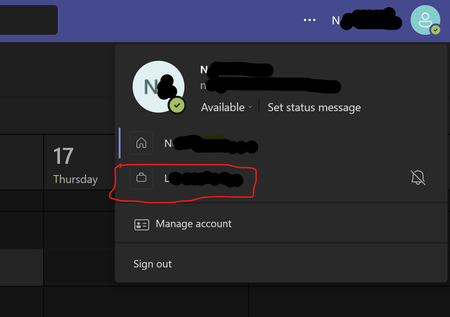

Hey, it comes up a lot. Here are the steps to take:
To leave an organisation with your personal account:
- Sign in to https://myapps.microsoft.com
- At the top-left, select the arrow and go to My Account
- Select Manage Organizations
Here, you'll see a list of organizations connected to your account.
- Select Leave next to the organization you want to leave
- Confirm that you want to leave
What if I can't leave?
In some cases, you may not be able to leave the organisation. This is likely due to a setting that they have that disables the ability for external users to leave the organisation. You can read more about this on the Microsoft Support page.

- pstncanadaNov 13, 2023Copper Contributor
I also show an error when I come to the site.
I have the Authenticator app, but when i try to scan the QR, it says "no data".
If I copy and paste the URL provided, it says Endpoint not found.
Is there another way of doing this? - Seems I cant add my other profile to my Teams app, until I can delete this one.
Appreciate any assistance.