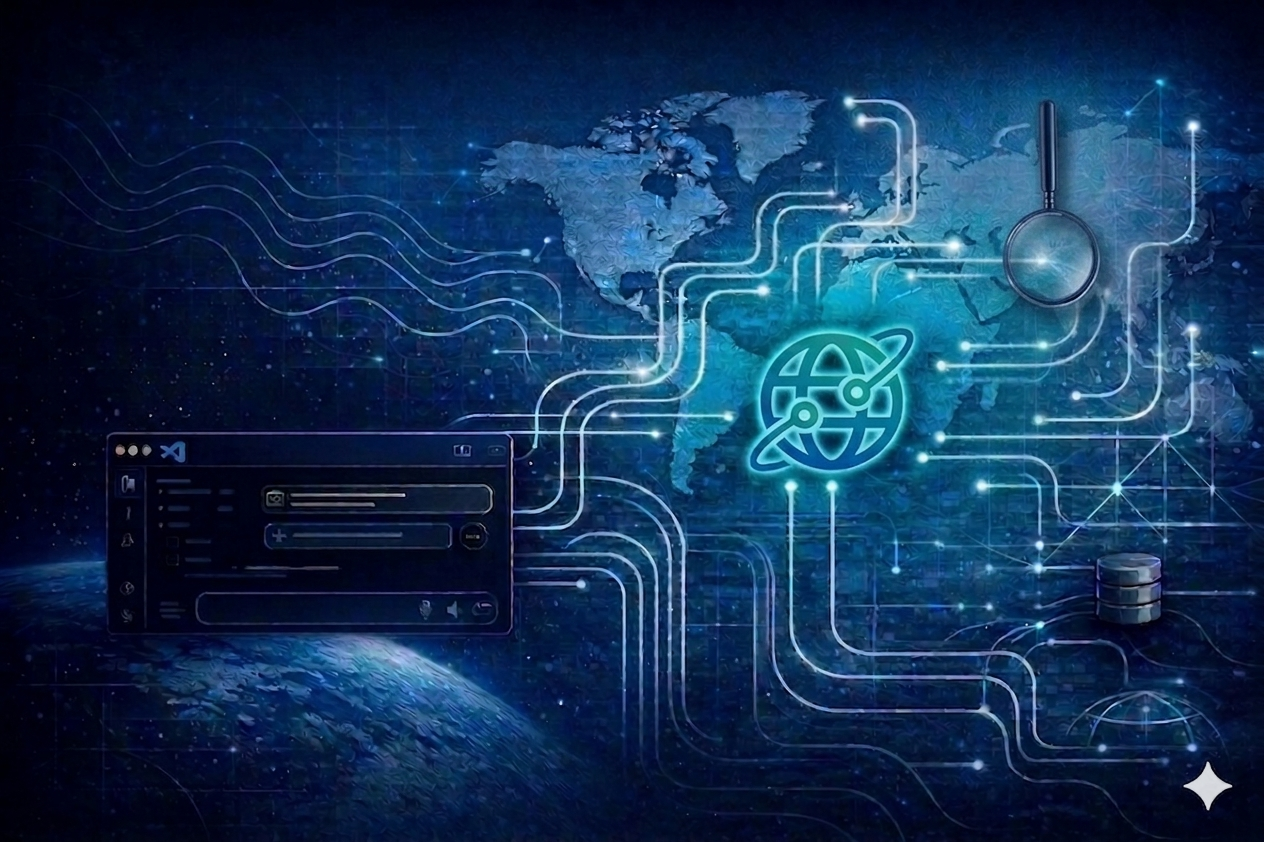
We are excited to announce that the Microsoft Planetary Computer Pro Model Context Protocol (MCP) is now available on VS Code Marketplace!
About Microsoft Planetary Computer Pro MCP Tools
The Microsoft Planetary Computer Pro MCP Tools introduces a natural language-driven interface that simplifies how users interact with geospatial data managed with Microsoft Planetary Computer Pro.
By integrating directly with GitHub Copilot in VS Code, our MCP exposes 35+ tools that connect directly to Microsoft Planetary Computer and Planetary Computer Pro, enabling users to perform data ingestion, STAC search, GeoCatalog management, visualization, and ingestion monitoring through natural language prompts. Instead of managing specialized APIs or stitching together multiple interfaces, MCP brings everything into a single, streamlined experience, reducing friction and accelerating time to insight.
Figure 1 - What is Model Context Protocol?
How Does it Work?
MCP brings Microsoft Planetary Computer Pro workflows directly into the developer environment by embedding a natural language interface within VS Code through GitHub Copilot. As shown in Figure 2, users can describe tasks conversationally on VS Code, such as querying geospatial imagery, ingesting data, analyzing regions, or preparing datasets, and MCP translates those prompts into executable geospatial operations. This eliminates the need to write code or switch between tools, enabling faster iteration, tighter developer workflows, and a more intuitive path from idea to insight. To get started, install the extension from VS Code Marketplace. Instructions and a full list of tools are documented on the Install page.
Figure 2 - Microsoft Planetary Computer MCP Tools on VS Code
Key Features within the Toolset:
STAC Search & Discovery
With Microsoft Planetary Computer Pro MCP tools, users can simply describe what they’re looking for or search for data from an area of interest through an interactive map. Across both Planetary Computer public datasets and Microsoft Planetary Computer Pro GeoCatalog private datasets, MCP and STAC search enables fast, intuitive discovery of data across space, time, and metadata.
GeoCatalog Management
Beyond discovery, MCP streamlines the full lifecycle of geospatial data management. Users can create, configure, and manage STAC collections with ease, moving datasets from the Planetary Computer, defining rendering options like natural color or NDVI, and setting up mosaics or thumbnails, all through conversational prompts. This eliminates the traditional complexity of API calls and manual configuration, making it significantly easier to operationalize geospatial datasets and tailor them to specific mission or analysis needs.
Data Ingestion
Data ingestion, often one of the most complex and time-consuming steps, becomes seamless with MCP. Users can ingest data from Planetary Computer collections, or access ingestion APIs using simple prompts. From ingesting a single item to bulk onboarding entire datasets, MCP handles the orchestration, monitoring, and status tracking of ingestion workflows. This enables teams to quickly move from raw data to analysis-ready collections without needing to manage underlying pipelines.
What Problem Does It Solve?
Working with geospatial data today often requires navigating fragmented tools, managing specialized APIs across systems, and authentication. This complexity slows down geospatial workflows and increases the operational burden on customers. With MCP, users can:
- Eliminate the need for custom scripts and manual integrations
- Reduce time spent managing ingestion pipelines and catalog configurations
- Quickly move data between systems
- Focus on generating insights instead of managing infrastructure
MCP orchestrates tasks behind the scenes, transforming complex geospatial workflows into a conversational experience that is intuitive and efficient.
Why this Matters
The release of the Microsoft Planetary Computer Pro Model Context Protocol marks a meaningful shift in how geospatial data and tasks are performed, accessed, managed, and operationalized. By unifying discovery, ingestion, catalog management, and troubleshooting into a single, natural language driven experience, MCP removes traditional complexity and empowers users to focus on what matters most, generating insight and driving outcomes.
As geospatial workloads continue to grow in scale and importance, simplifying access to these capabilities becomes critical. MCP enables Microsoft Planetary Computer Pro users to move faster, lower barriers to entry, and unlock the full value of Microsoft Planetary Computer Pro without needing deep expertise in underlying systems or building special connectors to access various tools.
As we continue to expand the Microsoft Planetary Computer Pro MCP toolset and integrate more automation of workflows and cross-pollinate between platforms, we envision a future where completing multi-step complex functions is as simple as having a conversation with GitHub CoPilot, accelerating innovation across GeoAI and enabling organizations to turn data into actionable intelligence at unprecedented speed.
Get started today by installing the MCP Tools in VS Code and experience a new, seamless way to work with geospatial data on Microsoft Planetary Computer Pro.
Resources

 Microsoft