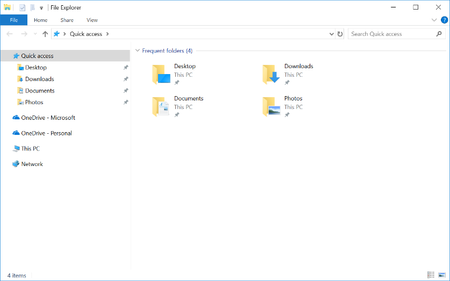
We’ve heard requests from several customers asking to make it easier to move their user data into OneDrive. To have a single button that they could push that would move content from the Desktop, Docu...
I found out a bit about the Error code: 0x80004005 based on some testing.
It turns out you cannot have any folder redirection policies in place for the Desktop/Documents/Picture folders- not even 'Redirect to local user profile path'. We have folder redirection to a server, and I changed it to the 'local profile' for our test users. Onedrive/Win10 still detects this as a fixed redirection and is not able to move the known folder into the local Onedrive path. You have to set group policy to 'not configured' for these folders so it fully is unmanaged.
My workaround was simply to use group policy to redirect the folders to %onedrive%\documents, %onedrive%\pictures, %onedrive%\desktop. Once this GPO runs, you can open Onedrive settings, go to the autosave tab, update folders, and confirm that the known folder redirection is working properly.