Introduction
Database Change Management (DCM) is a comprehensive process of managing all changes to the database schema, objects, reference data, and code over the lifetime of an application. It encompasses version control, testing, deployment, and tracking of database evolutions in a consistent, reliable, and auditable manner. In modern DevOps practices, treating database changes just like application code helps maintain integrity across environments and reduces the risk of errors.
Handling Database Change Management using Git
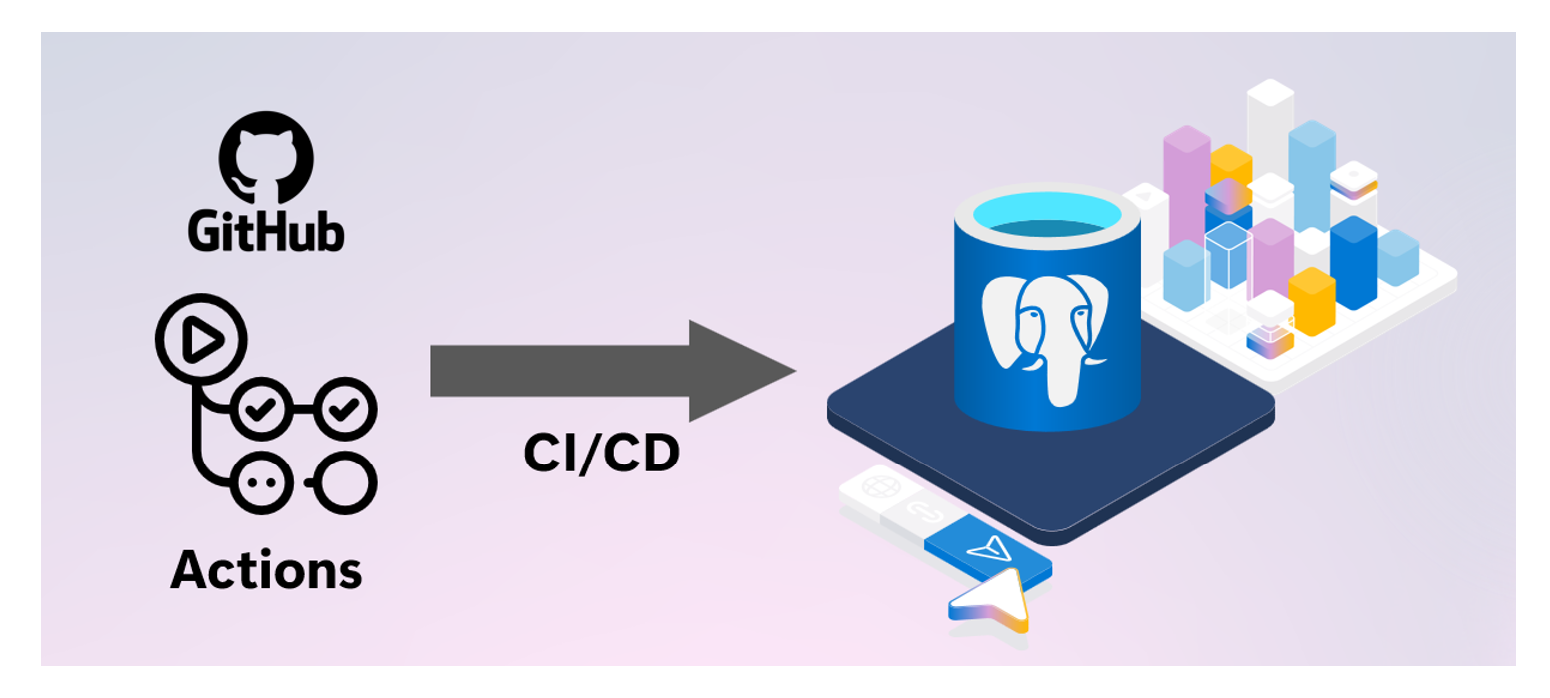
Integrating database change management with GitHub brings the rigor, predictability, and safety of standard software development to relational database schemas. Much like application code deployments, where features are developed on feature branches, peer-reviewed via Pull Requests (PRs), and merged only after passing automated test suites. When integrated with GitHub Actions, database deployments transition from manual, error-prone runbooks executed by DBAs into fully automated, repeatable pipelines.
When a pull request is merged into the master branch, GitHub triggers a workflow that automatically validates changelogs, dry-runs SQL changes against ephemeral test databases, and updates staging or production database servers, ensuring that database schema structures remain in perfect, synchronized step with the application code they support.
Approach
To implement database change management, multiple tools and frameworks must be used to handle automation, integrated approach and version management. Following Azure, Git and open-source tools will be used in this approach:
- Azure database for PostgreSQL (or Azure SQL database)
- GitHub repo
- GitHub actions
- Liquibase (open-source DB version control tool)
The architecture and implementation approach can be extended to other database engines like Azure SQL Database, Azure SQL Managed Instance, SQL Server on Azure VM, Azure Database for MySQL etc.
Database schema migrations (using tools like Liquibase) are treated as declarative, version-controlled source files. This alignment allows teams to leverage the key advantages of Git:
- A single source of truth for database state
- A comprehensive and immutable audit trail of who modified what and when
Ability to easily revert problematic schema changes by rolling back code commits.
Tool Used – Liquibase
Liquibase is an open-source, database-independent schema migration tool that treats database changes as code to automate continuous integration and deployment (CI/CD) pipelines.
It operates by evaluating a user-defined core manifest file known as a Changelog, which contains granular, ordered tracking units called ChangeSets authored in SQL, YAML or JSON. When executed against a target database instance, the Liquibase engine checks the database's internal DATABASECHANGELOG tracking table to identify previously applied changesets by matching their unique combination of ID, Author, execution Filep and tag. Unexecuted changes (written in JSON or YAML) are dynamically translated via specialized JDBC drivers into dialect-specific SQL (such as PostgreSQL, SQL Server etc.) and executed within a single transaction wrapper.
Beyond structural upgrades (update), Liquibase provides robust operational functionalities including Rollback capabilities, which allow to revert schema states back to targeted baseline schema tags or specific timestamps by executing explicit, user-defined “--rollback” blocks in reverse chronological order.
Furthermore, it features comprehensive schema difference management via the “diff” and diff-changelog engines. This allows engineers to perform automated schema drift detection by comparing an active database against a reference baseline (or another active environment), instantly identifying disparities in tables, columns, indexes, or constraints, and auto-generating the exact operational changesets required to bring the environments back into structural synchronization.
Migration-based Approach
When managing database migrations, Liquibase provides three structural configuration patterns to declare and execute schema changes across environments: SQL, YAML, and JSON.
Sample of SQL Changelog is given below. It follows SQL syntax of native database engine (PostgreSQL in this case):
The Formatted SQL approach is highly recommended for database administrators and developers who require low-level control, as it uses standard, platform-native SQL scripts annotated with special comment tokens (like --changeset and --rollback) to direct the Liquibase parser.
In contrast, the YAML and JSON approaches use a database-agnostic, declarative key-value abstraction model. Instead of raw DDL, developers define structural states using structural objects (such as “createTable” or “addColumn” fields). The Liquibase engine dynamically compiles these JSON/YAML objects into dialect-specific SQL using target JDBC drivers at runtime, while automatically inferring the exact inverse commands required for database rollbacks.
Regardless of whether a team implements raw SQL for precise indexing and database-specific performance optimizations or leverages the strict serialization of JSON/YAML to maintain standardized, cross-platform migrations, all three file types integrate seamlessly into version control as a single source of truth for CI/CD automation.
Versioning and Repeatable Migrations
Liquibase governs schema versioning and repeatable migrations through a combination of tracking states and distinct changeset configurations. Unlike traditional application version numbering, Liquibase applies a state-driven versioning model where every discrete schema modification is tracked as an individual, ordered “changeset” identified by a unique composite key consisting of the id, author, changelog file and tag.
When a deployment pipeline runs, the Liquibase engine queries the target database’s internal DATABASECHANGELOG table to evaluate this composite key signature; if the key exists, the migration is skipped to preserve environment stability.
Architecture Overview
A robust database change management architecture involves several key Azure components working together. At the core is Azure Database for PostgreSQL (Flexible Server) as the production-grade target database, often deployed with private endpoint connectivity to restrict network access. GitHub hosts the repository containing Liquibase migration scripts.
GitHub Actions orchestrates CI/CD pipelines; a self-hosted runner, placed within the same Azure Virtual Network (VNet) as the database, executes Liquibase commands to apply migrations securely with minimal network latency. Secrets such as database connection strings and credentials are stored securely in Azure Key Vault or GitHub Secrets. Workflows use the Azure/login and azure/get-keyvault-secrets actions to fetch Azure secrets at runtime. GitHub secrets are fetched automatically when referenced in the workflow.
Liquibase updates the “DATABASECHANGELOG” table on the PostgreSQL instance each time a migration is applied, providing full tracking. This formation ensures that all database changes are automated, auditable, and under version control.
Following are the architectural components:
- GitHub repo containing the DDL/DCL scripts to be applied to the database engine.
- GitHub actions containing the workflow that can be scheduled based on push or commit or at a time.
- GitHub actions self-hosted runner on Azure VM.
- Azure PostgreSQL database instance where changes are to be applied.
The same SQL scripts can be used in different database environments (like Dev, QA and Prod), or each environment can have its own SQL scripts. The implementation nuances are at the discretion of DBA or Developer.
Following architecture uses same SQL scripts for multi-environment deployment.
Azure Database for PostgreSQL Configuration
Azure Database for PostgreSQL should be configured with a private endpoint and integrated into the Virtual Network to ensure self-hosted runner has secure, internal access.
Appropriate database schemas should already be available. User account that is to be used for Liquibase migrations should have necessary access like create and modify tables, “DATABASECHANGELOG” table which Liquibase uses to track applied migrations. GitHub “secrets” or Azure Key Vault should be used to store database connection and user details.
Rollback action can be used to revert database changes, however, point-in-time restore (PITR) backups should be enabled so that database can be reverted to previous states if migration causes unintended effects. Set firewall rules to restrict public access, configure SSL connections to enforce encrypted traffic for database communication. Azure Monitor should be used to capture audit logs.
GitHub Actions and Self-hosted Runner
GitHub Actions workflows will execute Liquibase commands, set up a self-hosted runner within the same VNet as the Azure Database fir PostgreSQL server. Provision a lightweight Azure VM (Linux recommended). Following software needs to be installed:
- OpenJDK
- Liquibase
- “psql” PostgreSQL client tool.
- GitHub Actions runner application and register it with the repository, assigning it labels (e.g., self-hosted) so workflows can target it.
Attach Azure managed identity (system or user assigned) with necessary RBAC permissions to retrieve secrets from Azure Key Vault at runtime and connect to database.
Liquibase Configuration
Liquibase configuration contains two files as mentioned below:
- Changelog file – Database SQL statements pertaining to the changes. This file is the major component of the configuration as it would contain SQL statements that are to be applied to the database. E.g. postgresdb.changelog.sql. The file should follow Liquibase formatted SQL syntax.
- liquibase.properties – Contains peripheral details like schema and changelog configuration.
Following are the key configuration parameters:
- changeLogFile=postgres_changelog/postgresdb.changelog.sql : Location of database changelog file relative to the location of where liquibase.properties file is stored.
- defaultSchemaName : Schema name in postgres database where changes will be applied.
- liquibaseSchemaName : Schema name in postgres database where Liquibase tracking tables will be created.
- logLevel : Level of logging by Liquibase execution.
- databaseChangeLogTableName and databaseChangeLogLockTableName : Liquibase tracking tables. Keep the default values.
Setup & Execution Steps
Please use the following GitHub repo to download all resources required for implementation.
https://github.com/deepcontent2208/db_change_mgmt_liquibase_github.git
CI/CD Pipeline Configuration
CI Pipeline
The Continuous Integration (CI) workflow in GitHub Actions should focus on validating migration scripts before they are merged into the main branch.
Use triggers on pull requests targeting main. Begin steps by checking out the repository using actions/checkout@v4, ensuring that the sql migration and “liquibase.properties” files are available locally. Database authentication details can be stored either in Azure Key Vault or GitHub Secrets. These details will be extracted dynamically during workflow execution. Following is the code snippet for extraction:
Next, execute Liquibase validate CI, by invoking CI GitHub workflow.
Capture and report any validation errors to prevent faulty migrations from entering the code base.
CD Pipeline
Continuous Deployment (CD) workflows apply the validated migrations to target environments.
Use on-demand triggers with workflow_dispatch for production deployments to avoid accidental changes. In your workflow configuration, after actions/checkout@v4, authenticate and fetch Key Vault secrets similarly to the CI pipeline. You may add environment approvals (GitHub Environments) for prod. 3 different CD workflows are being used – “Database Deployment”, “Database Rollback” and “Database Schema Drift”.
Following is the architecture of schema deployment; it uses same repo to deploy across environments.
Invoke Liquibase CD workflow pipeline to implement the changes. The same pipeline/workflow will work for DEV, QA and PROD as it is parameterized. Workflow will use the same SQL changelog file for all environments to ensure schema consistency across environments unless developers decide to use different SQL changelogs for different environments. Following snippet shows parameters for workflow execution.
Release “tag” should be provided with proper tags. It will ensure Rollback can be done to the provided “tag”.
Conclusion
Database change management is critical for maintaining application integrity and enabling continuous delivery. Liquibase provides a mature and reliable framework for tracking, versioning, and applying schema changes and rollback in a production environment. By integrating Liquibase with Azure Database for PostgreSQL, Azure SQL Database, Azure SQL MI, GitHub Actions, a self-hosted runner, and Azure Key Vault, teams can establish fully automated and secure CI/CD pipelines for databases.
Adopting migration-based workflows, enforcing version control, leveraging environment parity, and following best practices reduces deployment risks and supports auditing and compliance requirements.
As database schemas evolve, having an auditable history and the ability to apply changes in a controlled, repeatable way empowers development teams to innovate while preserving data integrity.

 Microsoft
