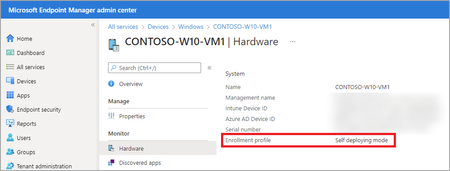
I work for a school system and this has impacted us too. We use Auto-Pilot Self-Deploy for all student computers. Typically, we wipe devices when needed. So far, I have found two procedures for us that seem to work with Windows devices at the moment .
Locate the devices in the Windows Device list in Intune/Endpoint. Select Wipe as we have always done. When the device starts to reset, delete the device from the list. We have not had to touch Enrollment or AAD so far.
The other scenario is we forgot to Delete the device or the device had the OS re-installed for repair and it starts to Auto-Pilot and fails with 0x80180014. Then we Delete the Device from the list in Endpoint. At the failed deployment screen use Shift + F10 to get a command prompt. Then use "SystemReset -FactoryReset", answer a couple of reset questions and done.
So far, the time it takes the device to reset seems to be enough time for Endpoint to do all it's behind the scenes magic.
Thank you