Forum Discussion

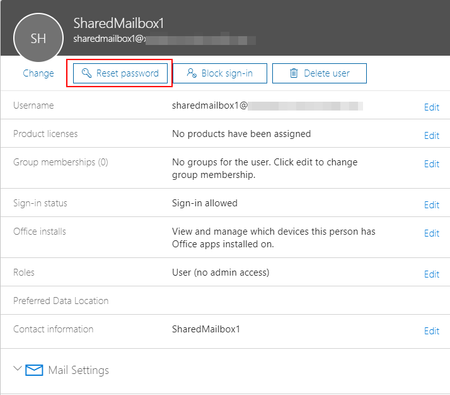
Shared Mailbox can have a password and login enabled without license
- Nov 01, 2018
This "feature" has been around for years, but despite probing Microsoft numerous times about it, we haven't received a clear answer. Until we do so, assume that it's unsupported, and that it breaks the license agreement.
Applications should still be able to access the mailbox via delegate/impersonation permissions.


Our issue here should have a simple solution. Having spent several years in the O365 and Azure data centers, I am now running the customer facing situations. Three employees control a shared mailbox and need to configure the "Out of Office Assistant' with an auto-reply message for all the guests who submit comments after their visit. I don't see how to do this without actually logging into the mailbox directly. Using the "Open another mailbox" feature doesn't provide access to the "Account Info" page which has the config controls such as 'Automatic Replies', 'Rules and Alerts', and 'Mailbox Settings' .
The users of this shared mailbox need to periodically update the 'Automatic Reply' throughout the year as certain events occur.
Am I overlooking some obvious dialogue box somewhere?
thanks~ dNa

dna1776 if you still need help you can actually assign permissions to shared mailbox with auto mapping OFF by using PowerShell
Add-MailboxPermission SHAREDMAILBOXUPN -User USERUPN -AccessRights FullAccess -InheritanceType all –AutoMapping $False
And then add shared mailbox as account and it then you can set up rules , out of office message etc.