Forum Discussion

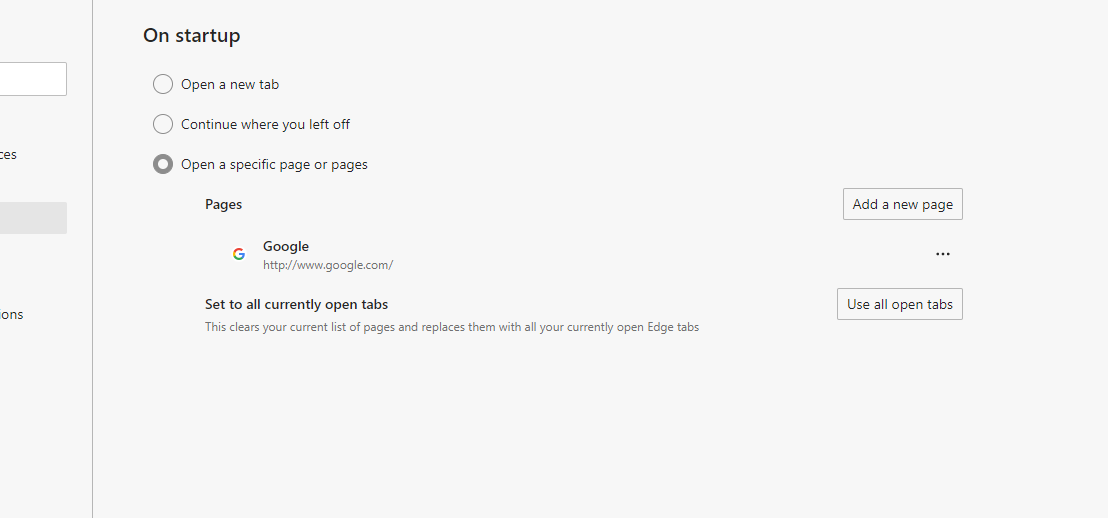
Google home page not opening on start up of Edge

 May 29, 2021
dosi70 There are two workarounds you can try:
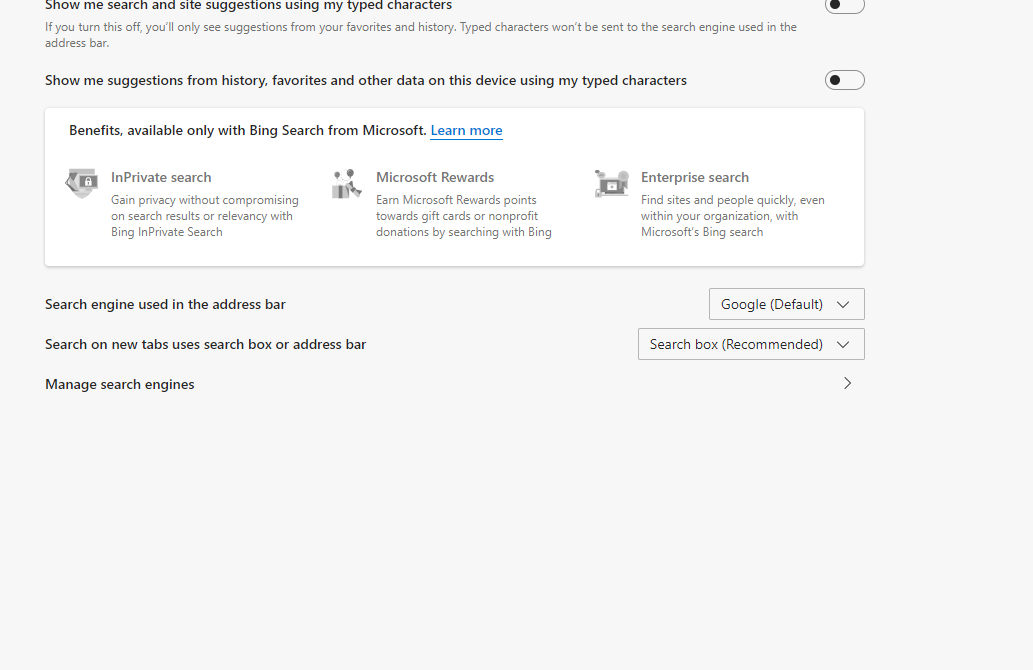
Workaround 1: Change your search-provider to Bing
In the Address Bar, go to edge://settings/searchEngines and then click the "..." at the end of the Bing option and choose "Make default". Close all Edge windows. Next time you open a new Edge window, your startup-page should be working again.
Workaround 2: Add the site(s) into the shortcut for Edge (applies to Windows users only)
Find a shortcut to the Edge browser (for example, on your desktop), then right-click it and choose "Properties". In the Target box, right at the end (after msedge.exe") leave a single space, and then type the web-address you want Edge to start with. Click OK, and use that shortcut now to launch Edge.
NOTE: if you want Edge to load more-than one site when it starts, just leave a single space between each website address, for example:
msedge.exe" https://www.google.co.uk https://www.bbc.co.uk

I had the exact same problem after the update.... what I did was to delete all traces of my Google home page and also deleted BING search engine from within the Edge settings... and then I re-added google as my homepage...I then shut down Edge and then relaunched it.... et viola... all was working as it should...:-)
Frankly, the "best solution" doesn't really fix the problem for those who detest Bing. Sure, you could append your homepage to the shortcut, but that doesn't solve the inability to launch a second instance. At best, they are good work-arounds until Microsoft gets its act together. But uninstalling the offending update, which was only a preview, is much simpler.