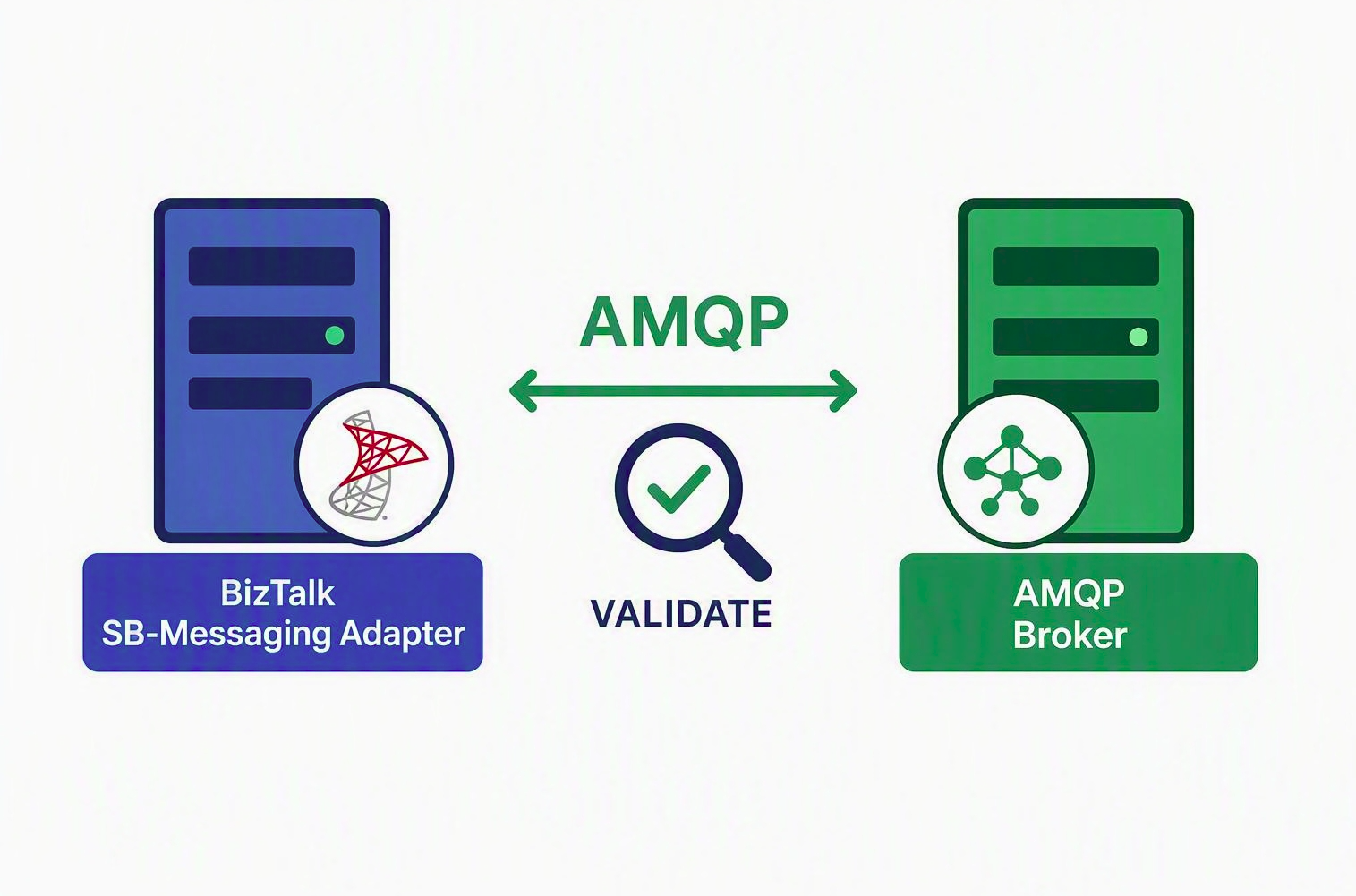
How to confirm, with evidence, that your BizTalk Server 2020 environment is off SBMP before September 30, 2026.
On September 30, 2026, Azure Service Bus stops accepting the Service Bus Messaging Protocol (SBMP) — the protocol the BizTalk SB-Messaging adapter has always used. The failure mode is not a warning in a log file; it is a refused connection. To keep those integrations running, a BizTalk Server 2020 hotfix adds a new Azure.Messaging.ServiceBus AMQP implementation to the adapter in place of the legacy SBMP path.
This post walks through how to validate the hotfix was successfully deployed and is using AMQP and not SBMP.
|
Required baseline: BizTalk Server 2020 with Cumulative Update 6 or Cumulative Update 7 installed, plus the SB-Messaging AMQP hotfix — KB5091379, obtained by opening a Microsoft support case. The hotfix is not offered through Windows Update or the regular CU download, and it will not install on a CU5 or earlier baseline. Every node in the BizTalk group needs it. A multi-server group will happily run the affected host instance on an unpatched node, and your test may land on the one server where the fix is not active. Patch and restart host instances everywhere, then record the edition, CU level, hotfix number, and component build per server. Hotfix location: https://1drv.ms/f/c/cac4b5f5988b8228/IgCrzn_KTaZ8T5tuKmcdPgXxARuOLcGHDhxVLgeysj44GWE?e=w5AcpM |
Once the baseline is confirmed, test in a non-production environment that reproduces production topology, authentication, and the full network path — proxy, firewall, private endpoint, and DNS. And list every materially different configuration you intend to validate: each send port and receive location, queue, topic, and subscription usage, 32-bit versus 64-bit hosts, and features such as sessions, ordered delivery, or transactions. A green result on one port does not validate the others.
Method 1: Verify the active connection on port 5671 (recommended)
The adapter selects AMQP over TCP, and Azure Service Bus uses TCP port 5671 for AMQP over TLS. Correlating an established 5671 connection with the correct BTSNTSvc or BTSNTSvc64 process demonstrates that the BizTalk host is using the AMQP transport. Run elevated PowerShell while the receive location is enabled and actively polling:
$hostProcesses = Get-Process BTSNTSvc, BTSNTSvc64 -ErrorAction SilentlyContinue Get-NetTCPConnection -State Established -RemotePort 5671 | Where-Object OwningProcess -in $hostProcesses.Id | ForEach-Object { $process = Get-Process -Id $_.OwningProcess [pscustomobject]@{ Process = $process.ProcessName ProcessId = $_.OwningProcess LocalAddress = $_.LocalAddress LocalPort = $_.LocalPort RemoteAddress = $_.RemoteAddress RemotePort = $_.RemotePort State = $_.State } }Expected result:
- Process is BTSNTSvc or BTSNTSvc64.
- Remote port is 5671.
- State is Established.
- The remote address resolves to or corresponds to the Service Bus namespace.
What an empty result means: not much, on its own. An empty result is inconclusive, not a failure. Confirm the port or receive location is enabled, the host instance is running, traffic is actually flowing during the check, and that DNS, firewall, or private endpoint rules permit the connection — then repeat. One important exception: if your environment routes AMQP over WebSockets on TCP 443, you should not expect a 5671 connection at all. In that case skip to Method 2.
Method 2: Capture adapter traces
When the connection view is unavailable or ambiguous, the trace is the more definitive answer, because it shows which code path executed rather than which socket happened to be open. BizTalk adapter tracing uses ETW through BT.Trace.Tracer, and entries containing [SBMessaging-AMQP] confirm that the new AMQP-specific implementation executed.
- Start BizTalk adapter tracing immediately before the test — not hours earlier.
- Send or receive a single, uniquely identifiable test message through the target port or receive location.
- Stop tracing as soon as the message completes.
- Search the captured output for [SBMessaging-AMQP] entries inside the test window, and match them to the host instance and configuration you were exercising.
Method 3: Block the legacy SBMP ports
Methods 3 and 4 are corroborating tests, not proof, and belong in an isolated environment. Legacy SBMP commonly uses TCP ports 9350 through 9354. If the isolated AMQP workload continues to operate while those ports are blocked and TCP 5671 remains available, the result corroborates that the workload does not depend on SBMP. Record the original firewall rules before you start and restore them immediately afterwards — this test has a real blast radius if it escapes the test subnet.
Method 4: Large message functional test
In Basic and Standard tiers, the maximum message size is 256 KB, regardless of SDK or protocol, so this test does not apply there. In Premium, the legacy SBMP path supports messages only up to 1 MB, whereas AMQP supports larger messages up to the entity’s configured maximum of 100 MB. Successfully processing a Premium message larger than 1 MB therefore provides supplementary evidence that the adapter is using AMQP.
Read a failure carefully: entity limits, timeouts, and pipeline constraints all produce the same symptom, so a failed large-message test is not by itself evidence that the hotfix did not take. Verify payload integrity and the event log, then remove the test message and restore any temporary entity settings.
Do not stop at the protocol
Confirming that AMQP is in use answers the transport question. It does not answer whether your solution still behaves the same way. AMQP and SBMP differ in a handful of behavioural details, so before you call the validation complete, run the scenarios your integrations depend on and compare against a pre-change baseline:
- Send and receive across each representative queue, topic, and subscription path, checking message body and application-property fidelity.
- Peek-lock completion, abandon, defer, dead-letter, and retry behaviour, plus sessions, ordering, transactions, and duplicate detection where you use them.
- Authentication renewal, and recovery after a host instance restart or a brief network interruption.
Throughput and latency within your accepted baseline, with no new event log errors, suspended instances, duplicates, or lost messages.

 Microsoft

