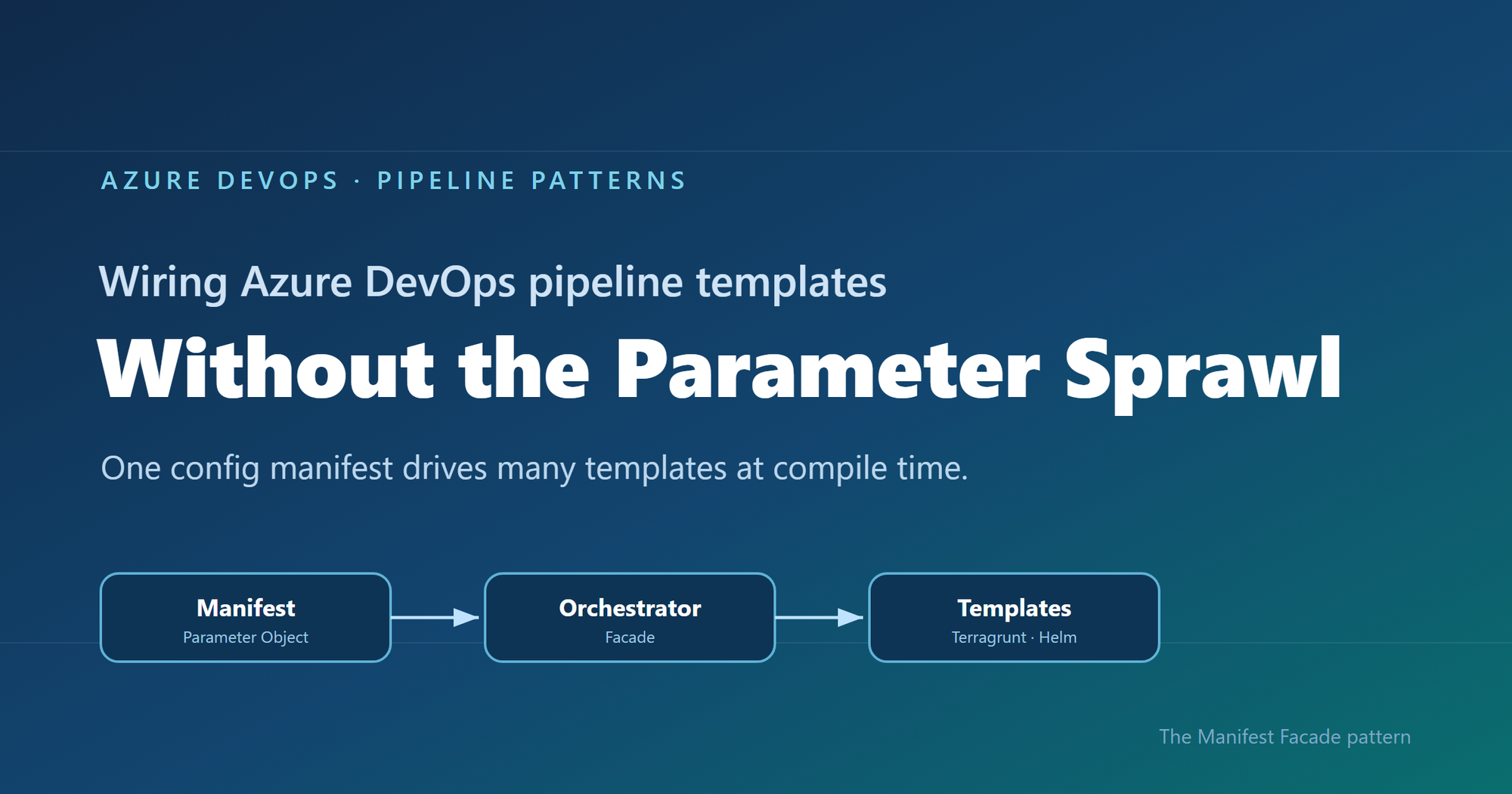
An enterprise DevOps framework can grow to dozens of Azure DevOps Pipeline Templates, and wiring them together consistently is the hard part. A single config manifest, assembled at build time, can drive many templates at once, giving teams adopting the framework a simpler interface while standardization stays intact.
Where reusable pipelines start to hurt
Who this is for: Platform and DevOps engineers who build shared Azure DevOps Pipeline Templates and want other teams to adopt them consistently.
If you have ever built a set of shared Azure DevOps Pipeline Templates, you probably know how this goes. You write a whole library of clean, well-factored templates: provisioning infrastructure, deploying apps, scanning, promotion, and more. Each one is tidy on its own. Then the first team tries to actually use them together, and things get messy fast.
That is exactly what happened to us on a customer engagement, while building a DevOps framework for their engineering teams. The templates themselves were fine. The trouble was wiring them together. Every consumer pipeline had to know how to call each template it used: the right order, which values one template fed another, and the full parameter list for every one of them. As the library grew, those consumer pipelines grew with it, long and repetitive. That friction turned into a real adoption problem. Getting started meant wading through pages of parameters, so teams put it off, copied whatever the team next door had, or quietly built their own thing instead.
This post follows that story, from the tangle of parameters to the solution we landed on. Here is how it comes together.
Where we started: Good templates, hard to adopt
The DevOps framework we built had many templates. To keep this walkthrough concrete, we will follow just two of them: one that provisions infrastructure with Terragrunt (a wrapper around Terraform), and one that deploys an app to Kubernetes with Helm. Both are trimmed down to the essentials here so they are easy to follow.
The infrastructure template, templates/infra/terragrunt-deploy.yml:
parameters:
  - name: stack
    type: string
  - name: workingDir
    type: string

steps:
  - script: |
      cd ${{ parameters.workingDir }}
      terragrunt plan -out=tfplan
      terragrunt apply -auto-approve tfplan
    displayName: "Deploy ${{ parameters.stack }}"
The application template, templates/app/helm-deploy.yml:
parameters:
  - name: releaseName
    type: string
  - name: chart
    type: string
  - name: namespace
    type: string
  - name: imageTag
    type: string

steps:
  - script: |
      helm upgrade --install ${{ parameters.releaseName }} ${{ parameters.chart }} \
        --namespace ${{ parameters.namespace }} \
        --set image.tag=${{ parameters.imageTag }}
    displayName: "Deploy ${{ parameters.releaseName }}"
There is nothing wrong with either file. The pain showed up in the pipeline that had to use them, where a team had to stitch the templates together by hand, remember the order, and repeat that boilerplate for every environment. Do that across a dozen services and you get long, copy-pasted pipelines that teams struggle to adopt. And because the wiring is done by hand, it leaves loopholes: a team can skip a step or override a parameter and slip past the guardrails you thought were in place.
Challenge 1: Wiring the templates together
The obvious move was to hide the wiring behind a single template that owned the order and the plumbing. We called it the orchestrator template: a consumer pipeline called that one template, and it wired up the rest.
# templates/deployment-orchestrator.yml  (the single orchestrator)
parameters:
  - name: infraStack
    type: string
  - name: infraWorkingDir
    type: string
  - name: releaseName
    type: string
  - name: chart
    type: string
  - name: namespace
    type: string
  - name: imageTag
    type: string
  # ...and this list just kept growing

stages:
  - stage: Infra
    jobs:
      - job: infra
        steps:
          - template: infra/terragrunt-deploy.yml
            parameters:
              stack: ${{ parameters.infraStack }}
              workingDir: ${{ parameters.infraWorkingDir }}

  - stage: App
    dependsOn: Infra
    jobs:
      - job: app
        steps:
          - template: app/helm-deploy.yml
            parameters:
              releaseName: ${{ parameters.releaseName }}
              chart: ${{ parameters.chart }}
              namespace: ${{ parameters.namespace }}
              imageTag: ${{ parameters.imageTag }}
A team used it by calling that one template and passing a value for every parameter it exposed:
# azure-pipelines.yml  (a team's pipeline)
parameters:
  - name: imageTag
    type: string

extends:
  template: templates/deployment-orchestrator.yml
  parameters:
    infraStack: network
    infraWorkingDir: infra/network
    releaseName: orders-api
    chart: charts/orders-api
    namespace: orders
    imageTag: ${{ parameters.imageTag }}
    # ...and a value for every other parameter, too
This solved the ordering and the copy-paste, but it handed us a new headache. This one template now had to expose every parameter of every template underneath it, and the list grew each time we added a capability. Worse, a real service usually needed more than one infrastructure stack and more than one Helm release. A flat list of parameters cannot express “two infrastructure stacks and three Helm releases” without silly names like infraStack1, infraStack2, and so on. Nobody could learn the thing. We had solved the wiring, only to trade it for a parameter problem.
Challenge 2: The orchestrator’s parameter list explodes
So how do you shrink that list? Step back and ask what you are really describing: a set of things to deploy. So the input should describe that set, not a long flat list of loose values. That is where the deployment manifest came in: one small config that lists the infrastructure to create and the apps to deploy.
It reads about how you would expect:
infrastructure:
  - stack: network
    workingDir: infra/network

applications:
  - releaseName: orders-api
    chart: charts/orders-api
    namespace: orders
Now the orchestrator can take that single manifest and loop over it, instead of exposing dozens of separate parameters. Its parameter list collapses to one, and a ${{ each }} loop turns each entry into a stage or job:
# templates/deployment-orchestrator.yml  (the orchestrator, now manifest-driven)
parameters:
  - name: manifest
    type: object
  - name: imageTag
    type: string

stages:
  - stage: Infra
    jobs:
      - ${{ each stack in parameters.manifest.infrastructure }}:
          - job: infra_${{ stack.stack }}
            steps:
              - template: infra/terragrunt-deploy.yml
                parameters:
                  stack: ${{ stack.stack }}
                  workingDir: ${{ stack.workingDir }}
  # ...an App stage loops over parameters.manifest.applications the same way
And a consumer passes that manifest straight to the orchestrator:
# azure-pipelines.yml  (a team's pipeline)
parameters:
  - name: imageTag
    type: string

extends:
  template: templates/deployment-orchestrator.yml
  parameters:
    imageTag: ${{ parameters.imageTag }}
    manifest:
      infrastructure:
        - stack: network
          workingDir: infra/network
      applications:
        - releaseName: orders-api
          chart: charts/orders-api
          namespace: orders
The parameter problem is solved. But hand-writing that whole manifest inside every pipeline is a lot to repeat, so the natural instinct is to pull it out into its own file. That is where things get tricky.
Challenge 3: The manifest is read too late to shape the pipeline
So we tried exactly that: we moved the manifest into a deployment-manifest.yml file and had the orchestrator read it back and expand it into stages and jobs. It sounded reasonable, but it did not work. To see why, you need to know how Azure DevOps builds a pipeline before it runs anything.
An Azure DevOps pipeline actually happens in two phases, and they are further apart than people expect.
First comes the build phase, before anything runs. Azure DevOps reads your YAML, pulls in every template, evaluates every ${{ }} expression, and unrolls every ${{ each }} loop. Out of this it produces one final, fully assembled pipeline. At this point no agent has started and no repo has been checked out. Only parameters and template expressions exist yet.
Then comes the run phase. The assembled pipeline runs. An agent starts, checks out your code, and only now can a script open a file on disk.
Here is the problem. Your deployment-manifest.yml does not exist as far as the pipeline is concerned until an agent checks out the repo, and that checkout happens during the run phase. So if the manifest is supposed to decide how many stages there are, or how many apps each get their own job, that decision has to be made earlier, while the pipeline is still being built.
Important: The shape of the pipeline, its stages, jobs, and loops, is locked in while the pipeline is being built. A file you read during the run comes too late to change any of it.
That was the wall we hit. The manifest was the right idea, but reading it from a file happened too late for the orchestrator to turn it into stages and jobs. So the manifest could not come from a file read during the run phase. It had to already exist, as an object, before the pipeline was assembled.
The Manifest Facade pattern: Build the config while the pipeline is assembled
The solution is to stop thinking of the manifest as a file to read, and start thinking of it as an object you build while the pipeline is being assembled. Parameters are available then. Template expressions can build a whole object then. So we added a small template, kept in the team’s own repo, with one job: take a couple of simple inputs, build the full manifest from them, and pass it to the shared orchestrator.
We called it the builder, since assembling the manifest is its only job. It stays thin and lives next to the team’s pipeline, while the orchestrator stays in the shared platform repo.
This is not a brand-new invention so much as a few familiar ideas working together, applied at pipeline build time. The manifest is a Parameter Object (Martin Fowler’s refactoring for collapsing a long parameter list into one structured value). The orchestrator is a Facade (the Gang of Four pattern for putting one simple, unified interface over a subsystem, here the underlying leaf templates). And the small template in the team’s repo is the piece that assembles that Parameter Object from a couple of inputs. What makes it an Azure DevOps pattern is the timing: the manifest is built as an object while the pipeline is assembled, so it can drive template expansion instead of sitting in a file that only gets read during the run. That is the twist we did not see written down anywhere, so we gave it a name: the Manifest Facade pattern.
In practice it comes together in three small pieces: the consumer pipeline references the builder, the builder assembles the manifest and hands it to the shared orchestrator, and the orchestrator expands that manifest into stages and jobs. Here is how the files extend into one another:
Here is each piece in turn.
Step 1: The consumer references the builder
The consumer pipeline extends the builder that lives in its own repo. It also declares the shared platform repo as a resource, so the orchestrator the builder calls is available while the pipeline is built.
# azure-pipelines.yml  (the team's pipeline)
parameters:
  - name: imageTag
    displayName: Image tag
    type: string

resources:
  repositories:
    - repository: platform
      type: git
      name: platform/pipeline-templates
      ref: refs/tags/v1.0.0

trigger:
  - main

extends:
  template: config/deployment.yml@self
  parameters:
    environment: dev
    service: orders
    imageTag: ${{ parameters.imageTag }}
Because the image tag is a runtime parameter, it is declared here in the consumer pipeline, which is what makes it appear in the Run pipeline panel for someone to fill in. Beyond that, the team passes only an environment and a service name, and the builder works out the rest.
Step 2: The builder assembles the manifest
The builder takes those inputs and assembles the whole manifest from them, then hands it to the orchestrator. Every structural value here is a parameter or a template expression, so all of it is ready while the pipeline is being assembled.
# config/deployment.yml  (builder, in the team's repo)
parameters:
  - name: environment
    type: string
  - name: service
    type: string
  - name: imageTag
    type: string

extends:
  template: deployment-orchestrator.yml@platform
  parameters:
    imageTag: ${{ parameters.imageTag }}
    manifest:
      schemaVersion: v1
      infrastructure:
        - stack: network
          workingDir: infra/${{ parameters.environment }}/network
      applications:
        - releaseName: ${{ parameters.service }}
          chart: charts/${{ parameters.service }}
          namespace: ${{ parameters.service }}
The builder assembles the manifest inline from the environment and service, then passes it straight to the orchestrator. The image tag is different: it is a runtime parameter the user supplies at queue time, so it is passed through to the orchestrator template and never becomes part of the manifest. The team gets a tiny interface, and the orchestrator still gets the full structure it needs.
Step 3: The orchestrator turns the config into stages and jobs
The orchestrator takes a single object and loops over it with ${{ each }}. Each stage and job gets generated while the pipeline is assembled.
# deployment-orchestrator.yml  (shared platform repo)
parameters:
  - name: manifest
    type: object
  - name: imageTag
    type: string

stages:
  # a ValidateManifest stage runs first (covered in the next section)
  - stage: Infra
    jobs:
      - ${{ each stack in parameters.manifest.infrastructure }}:
          - job: infra_${{ stack.stack }}
            steps:
              - template: infra/terragrunt-deploy.yml
                parameters:
                  stack: ${{ stack.stack }}
                  workingDir: ${{ stack.workingDir }}

  - stage: App
    dependsOn: Infra
    jobs:
      - ${{ each app in parameters.manifest.applications }}:
          - job: app_${{ app.releaseName }}
            steps:
              - template: app/helm-deploy.yml
                parameters:
                  releaseName: ${{ app.releaseName }}
                  chart: ${{ app.chart }}
                  namespace: ${{ app.namespace }}
                  imageTag: ${{ parameters.imageTag }}
Because the manifest is a real object by the time the loops run, ${{ each }} unrolls it into actual jobs. List two stacks and you get two jobs. List two apps and you get two deploy jobs. And because the team only describes what to deploy, the sensitive wiring like service connections stays inside the platform templates, out of reach. The loophole is gone because the parameter is gone.
Why the order of things matters
The whole pattern comes down to who does what, and when.
- The builder turns a simple intent (“deploy orders to dev”) into a full manifest, while the pipeline is being assembled.
- The orchestrator turns that manifest into real stages and jobs, still while the pipeline is being assembled.
- Only the leaf templates do the real deployment work during the run: checkout,
terragrunt apply,helm upgrade.
Nothing about the shape of the pipeline waits for the run, so nothing about it depends on a file that only shows up after checkout. That is the whole trick.
If you do have values you genuinely cannot know until the run, like a secret fetched from a vault or an artifact version an earlier stage writes to a variable, those still belong in runtime variables and variable groups. The manifest is for the structure and config you already know when you queue the build, which is almost always the part that was causing the pain.
Validating the manifest against a schema
Once the manifest became the one interface every team fills in, it needed a contract. We wrote that contract as a JSON Schema and kept it in the shared platform repo under schema/v1/. The folder name is the version: backward-compatible additions go straight into v1, and the day we need a breaking change we add a schema/v2/ alongside it, so existing consumers keep working while the schema evolves. Each manifest carries a schemaVersion so the orchestrator knows which contract to hold it to.
On top of that, we validate in three layers, each catching a different class of mistake.
Layer 1 is build time, for free. Because the orchestrator’s parameters are typed, with manifest declared as an object, Azure DevOps catches a range of structural problems while it expands the templates, before anything runs. For example, if a manifest left out infrastructure or misspelled it, the orchestrator’s ${{ each stack in parameters.manifest.infrastructure }} loop would have nothing valid to iterate over, and the failure would surface during template expansion rather than halfway through a deployment.
Layer 2 is a version check that runs at build time. Both the ${{ if }} and parameters.manifest.schemaVersion are resolved while the pipeline is being assembled, so the orchestrator decides right then whether it understands the manifest’s version. If it does not, the only thing it generates is a single failing stage, and the real deployment stages are never built, so nothing runs against a contract the orchestrator does not know:
# deployment-orchestrator.yml  (shared platform repo)
parameters:
  - name: manifest
    type: object

stages:
  # Layer 2: reject schema versions this orchestrator does not understand
  - ${{ if not(containsValue(split('v1', ','), parameters.manifest.schemaVersion)) }}:
      - stage: UnsupportedSchemaVersion
        jobs:
          - job: fail
            steps:
              - script: |
                  echo "##vso[task.logissue type=error]Unsupported manifest schemaVersion '${{ parameters.manifest.schemaVersion }}'"
                  exit 1
  # the ValidateManifest, Infra, and App stages below are generated only when the version is supported
Layer 3 is a run-time check against the full schema. The first stage the orchestrator generates is ValidateManifest. Because the schema lives in the platform repo, the job checks that repo out first. Then it serializes the manifest object to JSON with the convertToJson expression, writes that JSON out to a file, and runs a JSON Schema checker to compare the file against the schema. If the manifest breaks the contract, the pipeline stops here, before any infrastructure or app stage runs:
  # Layer 3: validate the real manifest object against the JSON Schema
  - stage: ValidateManifest
    jobs:
      - job: validate
        steps:
          # the schema lives in the platform repo, so check it out first
          - checkout: platform
          - script: |
              echo '${{ convertToJson(parameters.manifest) }}' > manifest.json
              pip install check-jsonschema
              check-jsonschema --schemafile schema/${{ parameters.manifest.schemaVersion }}/deployment.schema.json manifest.json
            displayName: "Validate manifest against schema"
Layer 1 is automatic, Layer 2 rejects an unknown contract at build time so the deployment stages are never generated, and Layer 3 confirms the actual values match the schema before any real work begins. Together they turn “the manifest looked right” into “the manifest is provably valid.”
A few trade-offs to keep in mind
No pattern comes without trade-offs. A few things worth weighing:
- The manifest has to be something template expressions can build. You can compose objects, loop, and branch with
${{ if }}, but there is no running arbitrary code while the pipeline is assembled. Anything fancier may need a prep step or a file generated upstream. - Every team carries a small builder template. We think that is a fair trade, since it keeps their intent local and readable, but it is one more file per repo. Keep it thin and let the orchestrator hold the real logic.
- Treat the schema as living documentation. Because the manifest’s JSON Schema spells out every field and what it means, teams can read it to build their own manifest with confidence, instead of reverse-engineering the orchestrator.
- Pin the shared repo to a tag, like the
v1.0.0above, so a change to the orchestrator does not silently change everyone’s pipeline on the next run. - Debugging takes a small shift in habit. When something looks off, use the pipeline’s preview to see the fully assembled YAML before it runs. It shows you exactly what the loops produced.
Tip: Use the Azure DevOps pipeline preview to see the fully assembled YAML without running anything. It is the fastest way to confirm your manifest unrolled into the stages and jobs you expected.
Wrapping up
It is a journey a lot of platform teams will recognize. Clean templates, messy wiring, one orchestrator that fixes the order but drowns in parameters, a config file that brings back sanity, and then the surprise that reading it at the wrong moment means it can never shape the pipeline. The solution is small and it sticks. Put a thin builder template next to each team, let it assemble the manifest from a couple of simple inputs, and let a shared orchestrator turn that manifest into stages and jobs.
Teams get an interface they can easily understand and adopt. The platform team keeps the wiring and the guardrails in one place. And the timing gap that trips up so many “just read the config file” attempts stops being a problem, because you are working with it instead of against it.
Key takeaways
- Shared Pipeline Templates stall on adoption when every team has to wire them together by hand.
- A single orchestrator template fixes the ordering, but a flat parameter list does not scale to real adoption.
- A config file read during the pipeline run cannot shape the pipeline, because stages and jobs are decided earlier, while the pipeline is assembled.
- The Manifest Facade pattern builds the config as an object at assembly time, so one small input drives many templates, consistently and with the guardrails baked in.
- Give the manifest a versioned JSON Schema and validate it in layers, so a broken contract fails fast instead of halfway through a deployment.
How are you handling template sprawl in your own pipelines? We would love to hear what has worked for your teams in the comments.

 Microsoft