Forum Discussion

Start menu layout cannot be changed
- Apr 02, 2019
https://support.microsoft.com/help/4490481 - the KB doesn't specifically mention this bug, but the fix is included in this update. You can download from here: Microsoft Catalog


Will try, thanks!
From my understanding the policy prevents a temporary profile from being loaded in case the regular one can't be loaded. I didn't find any hint on that in the system logs.
Update:
Nope, still doesn't work. I'm definetely not logged on with a temproary profile since shortcuts I pin to the taskbar remain intact.
Thanks anyway!

It seems like a long shot, but we had similar issues with our Startlayout on Win 10 1809. When the Policy "Computer Configuration -> Administrative Policies -> System -> Group Policy -> Continue Experiences on this Device" is set to disabled, everything relating to the start menu is buggy. (Layout, recent apps, Show Start in Full Screen, etc.).
Could you try setting this Policy to "Enabled" or "not configured" and see if this works?
- Pete78Mar 18, 2019Copper Contributor
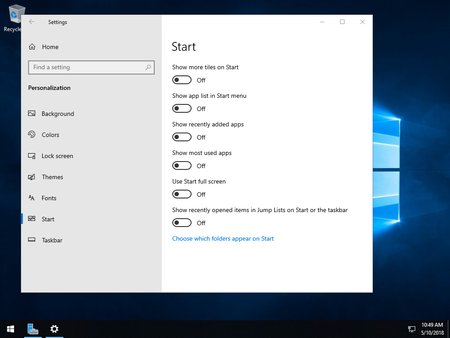
Tried that but it didn't work. All changes are lost when loggin off and on again. Also any changes I make in the stat menu settings are gone as soon as I go back there.
 nsld_libraryMar 31, 2019Copper Contributor
I am experiencing this problem as well.