Forum Discussion

Muhammadumermalik
May 28, 2020Copper Contributor
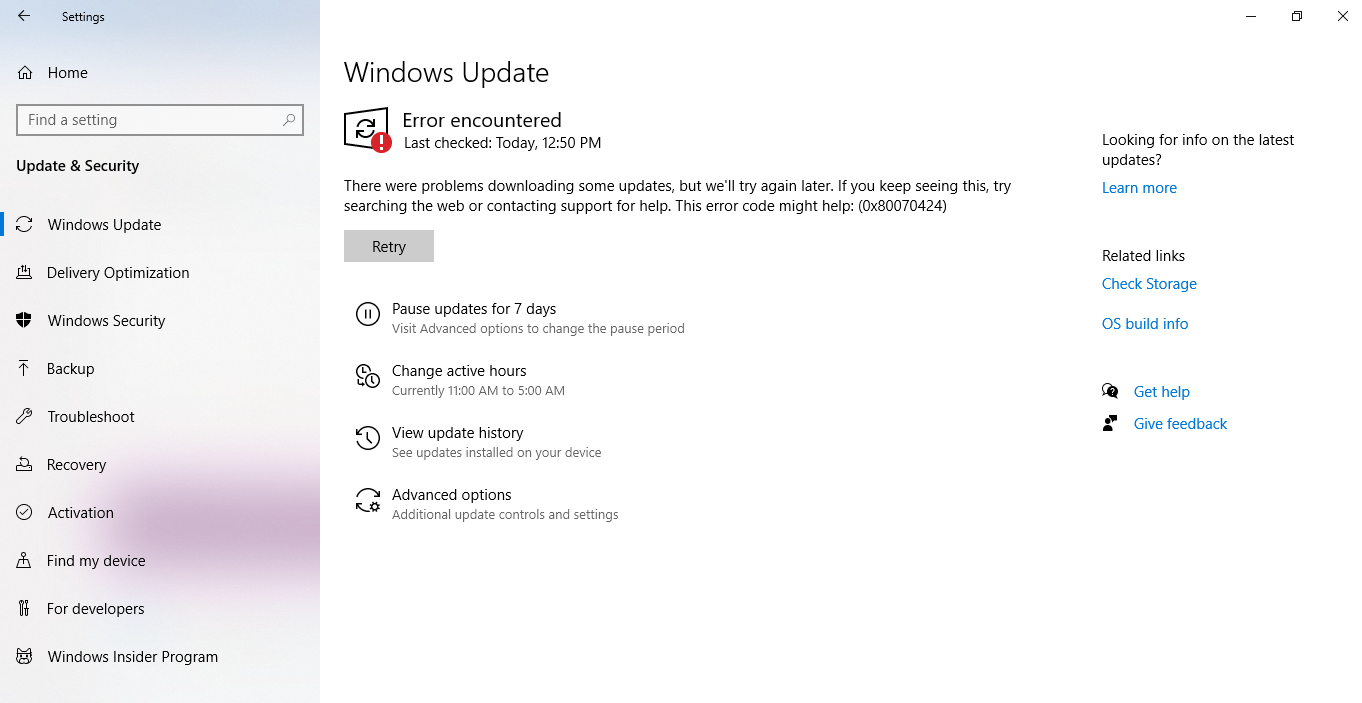
windows insider update error
I am having a problem during downloading updates for windows insider program whenever I try to download 0x80070424 error pops out
1 Reply
Hello,
Please run Windows Update troubleshooter from Settings app > Update & security > Troubleshoot. See if it works.
If that doesn't work, try this:
Open administrative Command Prompt and type following commands one-by-one followed by Enter key.
net stop wuauserv
net stop cryptSvc
net stop bits
net stop msiserver
Ren C:\Windows\SoftwareDistribution SoftwareDistribution.old
Ren C:\Windows\System32\catroot2 Catroot2.old
net start wuauserv
net start cryptSvc
net start bits
net start msiserver
Close Command Prompt and see if Windows Updates works then.
Let us know if this helps!