Forum Discussion

BennettFrost
Aug 27, 2025Iron Contributor
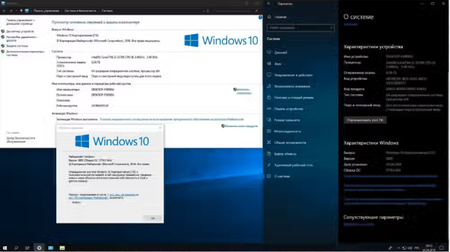
Windows Enterprise LTSC 2019 DISM question
How to fix it(Image) to the correct version?? This seems to be incorrect.

Justinsen
Aug 28, 2025Iron Contributor
To fix this, you likely need to specify the correct /Image parameter in your DISM command. A common fix is to run:
DISM /Online /Cleanup-Image /RestoreHealth
If that fails, ensure you are pointing to the right install.wim or esd file from your original LTSC 2019 media using the /Source option.