Forum Discussion

Windows 7 home premium iso download for 64 bit and 32 bit
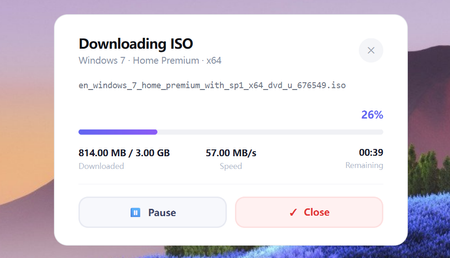

TechBench is a free online tool created by a Chinese developer, WZT, that allows users to download ISO files for various Windows versions, including Windows 7 Home Premium. Here's a step-by-step guide on how to use it for Windows 7 home premium ISO download:
Note: Be aware that TechBench is a third-party tool, and downloading software from unauthorized sources can pose risks. However, WZT Method is a well-known and reputable source, and many users have successfully used it to download Windows ISOs. including Windows 7 home premium ISO download.
To use TechBench, follow these steps:
1. Go to the TechBench website and select the Windows version you want to download, in this case, Windows 7 Home Premium.
2. Choose the language and architecture (32-bit or 64-bit) you prefer.
3. Click on the "Download" button to initiate the download process.
4. TechBench will redirect you to a file-sharing platform, where you can get the Windows 7 Home Premium ISO download.
5. Once the download is complete, you can verify the ISO file's integrity using tools to ensure it's genuine and not tampered with.