Forum Discussion

Chr53
Jul 29, 2021Copper Contributor
Windows 11 start menu is missing Explorer bug?
Hello, I have been using the new Windows 11 Insider Preview with satisfaction for several weeks. Unfortunately, bugs since the last update, probably the Explorer process, every time after logging i...
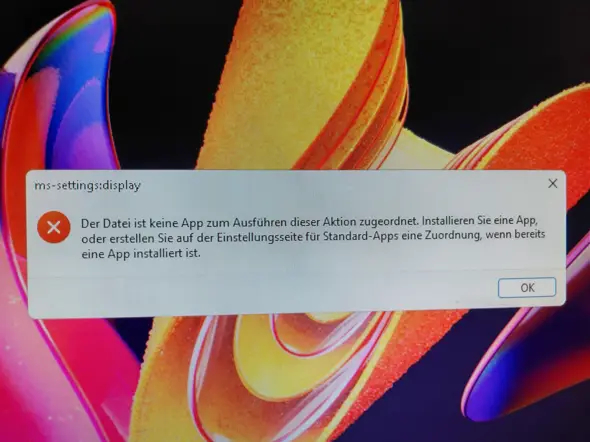


C_C_B_2020
Sep 03, 2021Copper Contributor
Deleted
When I try to run the powershell command I get this error:
Get-AppXPackage: The term 'Get-AppXPackage' is not recognized as a name of a cmdlet, function, script file, or executable program.
Check the spelling of the name, or if a path was included, verify that the path is correct and try again.
Is there a way to open the control panel from powershell or task manager so I can check for updates?
C_C_B_2020
Sep 03, 2021Copper Contributor
I got the control panel started via powershell, but couldn't find anything helpful there.
When I click on Computer->Open Settings in File Explorer nothing happens beyond File Explorer appearing to hang.
Has Win11 bricked itself? What's the best path to recovering use of the computer?
When I click on Computer->Open Settings in File Explorer nothing happens beyond File Explorer appearing to hang.
Has Win11 bricked itself? What's the best path to recovering use of the computer?