Forum Discussion

This issue occurred after I and other users installed KB5101684, disrupting File History.
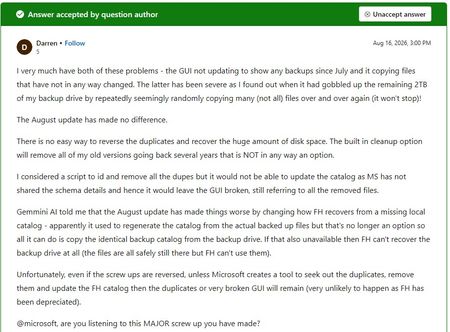

You are seeing File History write files while its last-backup time and Previous Versions catalog no longer advance after the cited updates, on Windows 11 25H2 and Windows 10 22H2. That timing makes a servicing regression plausible, but copied files do not prove the restore catalog is healthy, and Microsoft’s release-health information does not document this issue or a fix. Preserve the D:\FileHistory tree elsewhere before changing anything, and do not delete the Config catalog. Install the newest cumulative update offered, reconnect the configured drive, choose Run now in Control Panel > File History, and test restoring one known file to a different folder. Record the OS build, update history, event-log errors, and restore result. Submit one Feedback Hub report with reproduction steps and diagnostics, then attach that evidence to a Microsoft support case. Until a fix is published, use a separate verified backup rather than trusting the changing timestamps.